Rethinking Digital Learning | Designing a secure and focused digital ecosystem for modern classrooms.
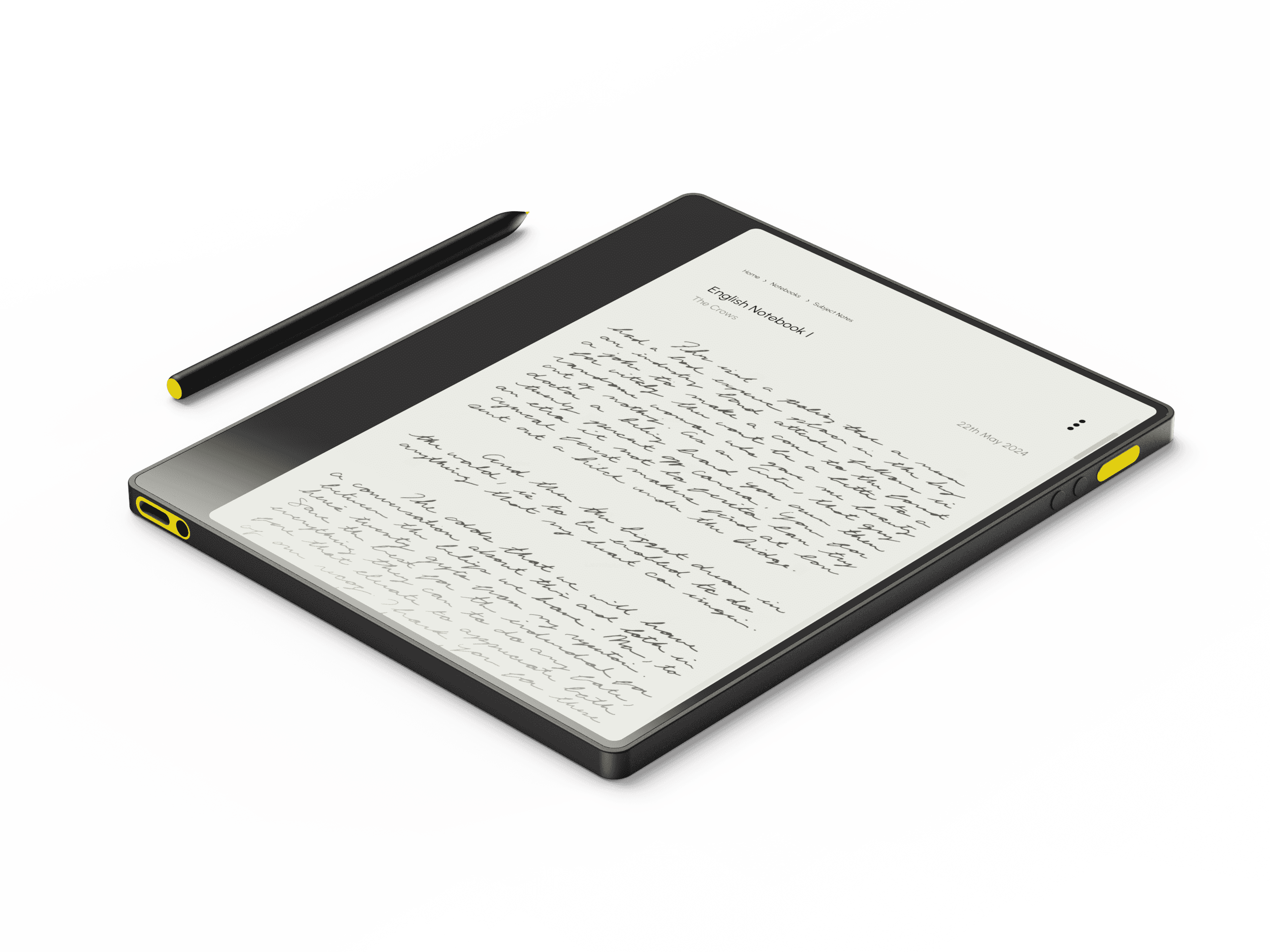
An e-ink-based learning tool, BrightBoard replaces notebooks and unmanaged tablets with a secure, teacher-connected ecosystem. It supports focused learning, organized work, and real-time classroom management.
BrightBoard is a digital classroom device designed to make learning more focused, organized, and manageable - for both students and teachers. It combines the simplicity of notebooks with the power of smart, connected tools, all wrapped in a distraction-free e-ink experience.
Whether it’s taking notes, completing assignments, or staying on top of progress, BrightBoard helps students build better learning habits while giving teachers full visibility and control inside the classroom.
Context
“Out of 10 boys I talked to, 7 admitted to jailbreaking their school-issued tablets. Instead of using them for learning, they downloaded porn, played online games, or chatted with their friends and girlfriends.”
This quote highlights a critical failure in current digital learning systems - poor device security, lack of meaningful engagement, and inadequate digital literacy. BrightBoard was designed to combat this by introducing a controlled, learning-first ecosystem for students and teachers.
5 Weeks
Timeline
UX Research
System Design
Industrial Design
Role
1 Designer
1 Manager
Team
Figma
Fusion360
Keyshot
Tools
Why?
Read Research Document
Aiming to build a distraction-free, smart learning device and system that empowers students in government schools, while giving teachers full visibility and control - making education secure, focused, and effective.
how it works
Component
Admin Device
Teachers log in to control classroom devices, monitor activity, and assign work.
Student Device
Lightweight tablet with e-ink screen, stylus support, and educational tools.
School Server
Hosts student data, curriculum, notes, progress history, and syncing logs.
| Each student’s progress is stored on the server. Even if a device is lost or damaged, their data remains intact.
Functionality
Administrator Device
Student Device
School Server
The main admin device is the component that the teacher has access to. One admin device is assigned to one classroom, on which multiple teacher can Log-In with their credentials.
The admin device gives access to all the functions on the network, from curriculum to student work.
Each student gets a BrightBoard device at the start of a year. These common devices are then loaded with the credentials of the student.
Even if a device is damaged or lost, all the contents related to the students can be downloaded on a new device.
The main school server keeps all the data related to the curriculum and student body. It is connected to the admin device, which then shares the contents to the student devices.
Administrator Device
Student Devices
When the student is in the classroom their BrightBoard is connected to the Admin Device, giving teacher all the insights on that particular student. If a device goes out of range or is not present the teacher will get a ping, this makes keeping track of children during attendance and end of school easy.
When the Student Device is paired with the Admin, the admin can download or upload files from every student. Each device is accessible from the Admin, making keeping track of homework and assignments easy and foolproof.
The user interface of Cuecam was designed to be subtle yet supportive, offering just the right information at the right time without pulling focus from the conversation. Since the device sits directly above or near the main display, the UI had to be clean, glanceable, and purpose-driven.
Inspired by teleprompters, notification systems, and assistive overlays, the interface includes features like live captions, scrolling scripts, gentle posture cues, and calendar prompts.
The goal was to make users feel more prepared and present, without adding complexity or cognitive load. Every element was designed to complement the webcam experience, not compete with it.
bright board
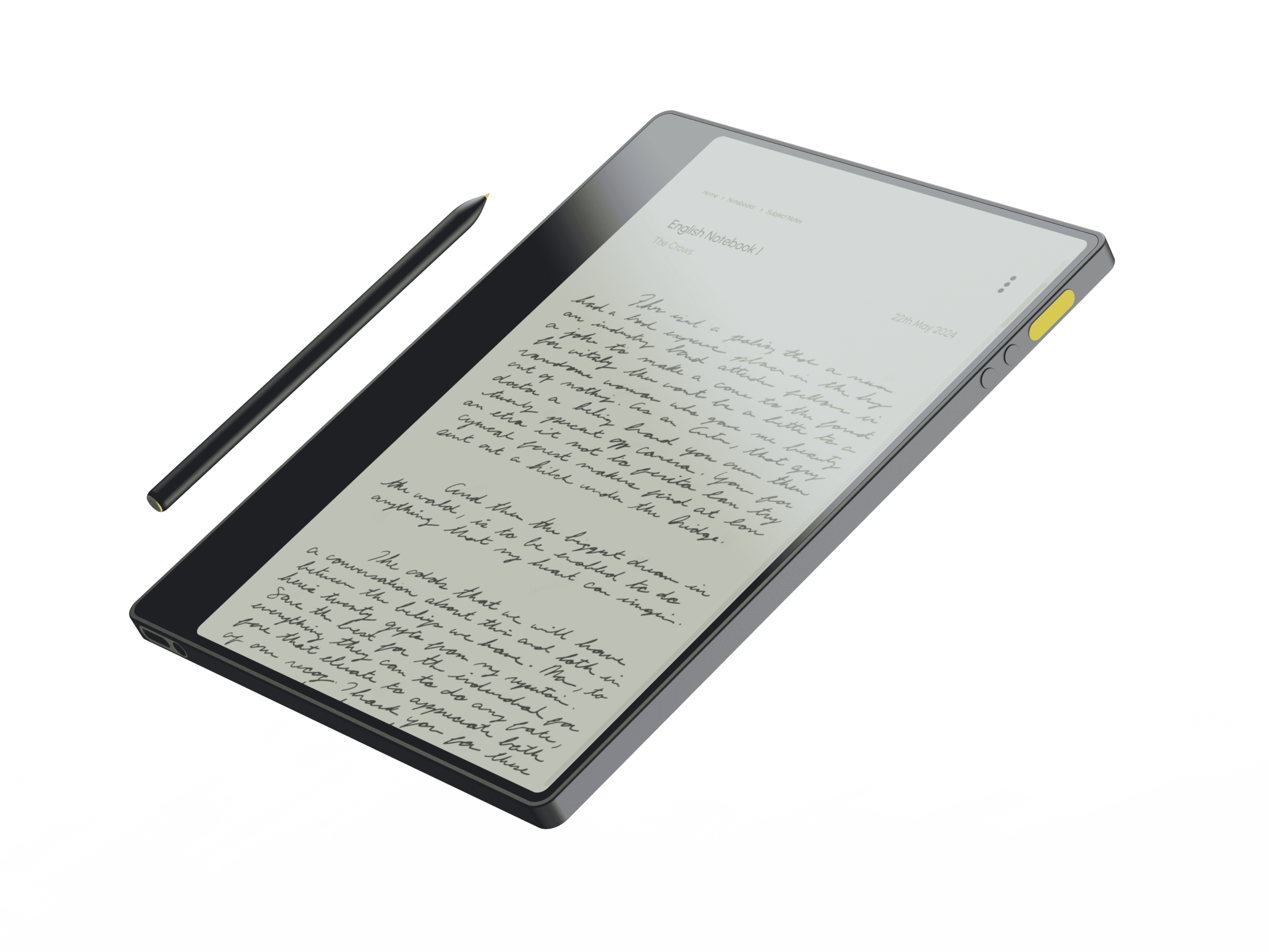
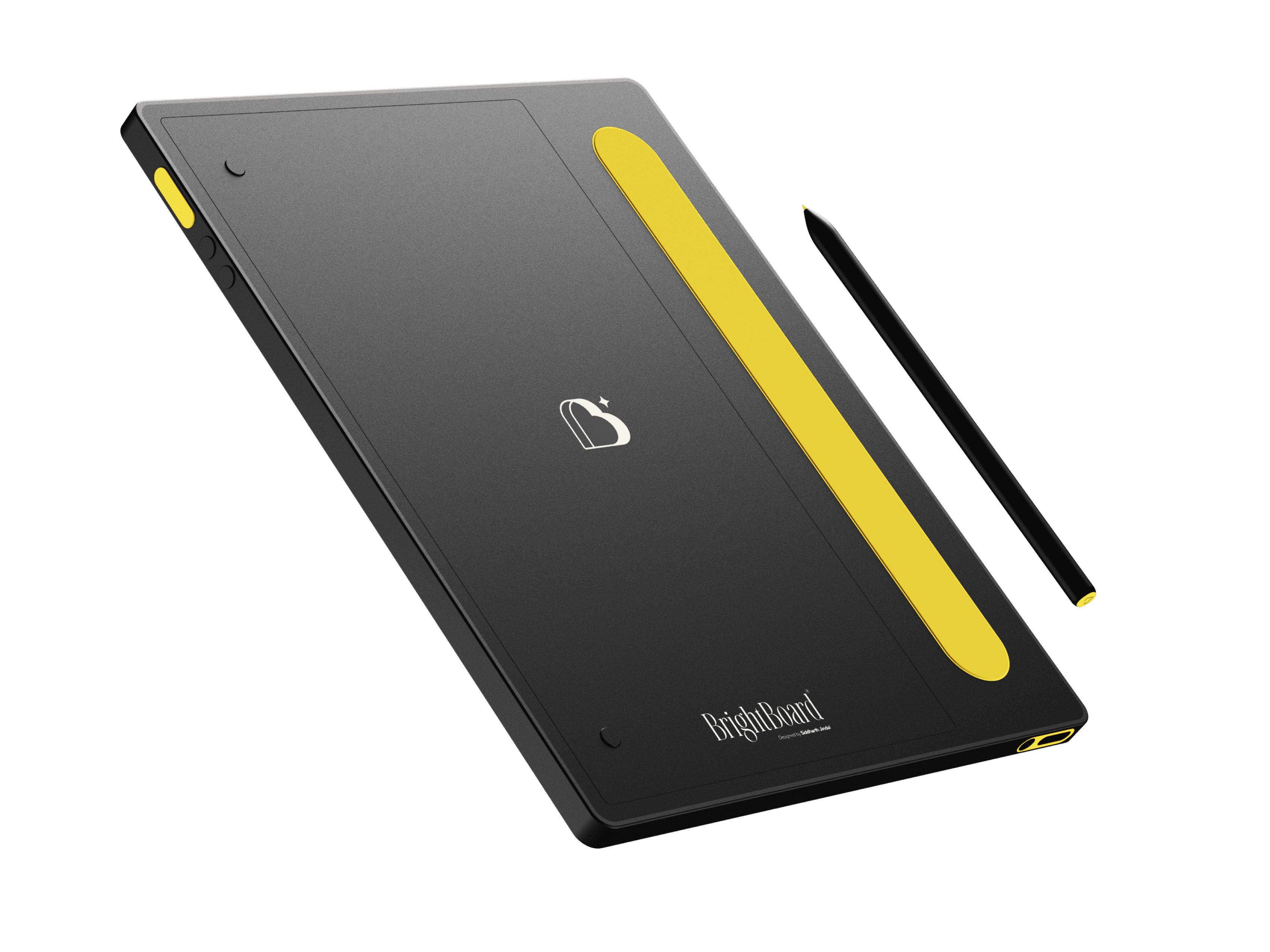
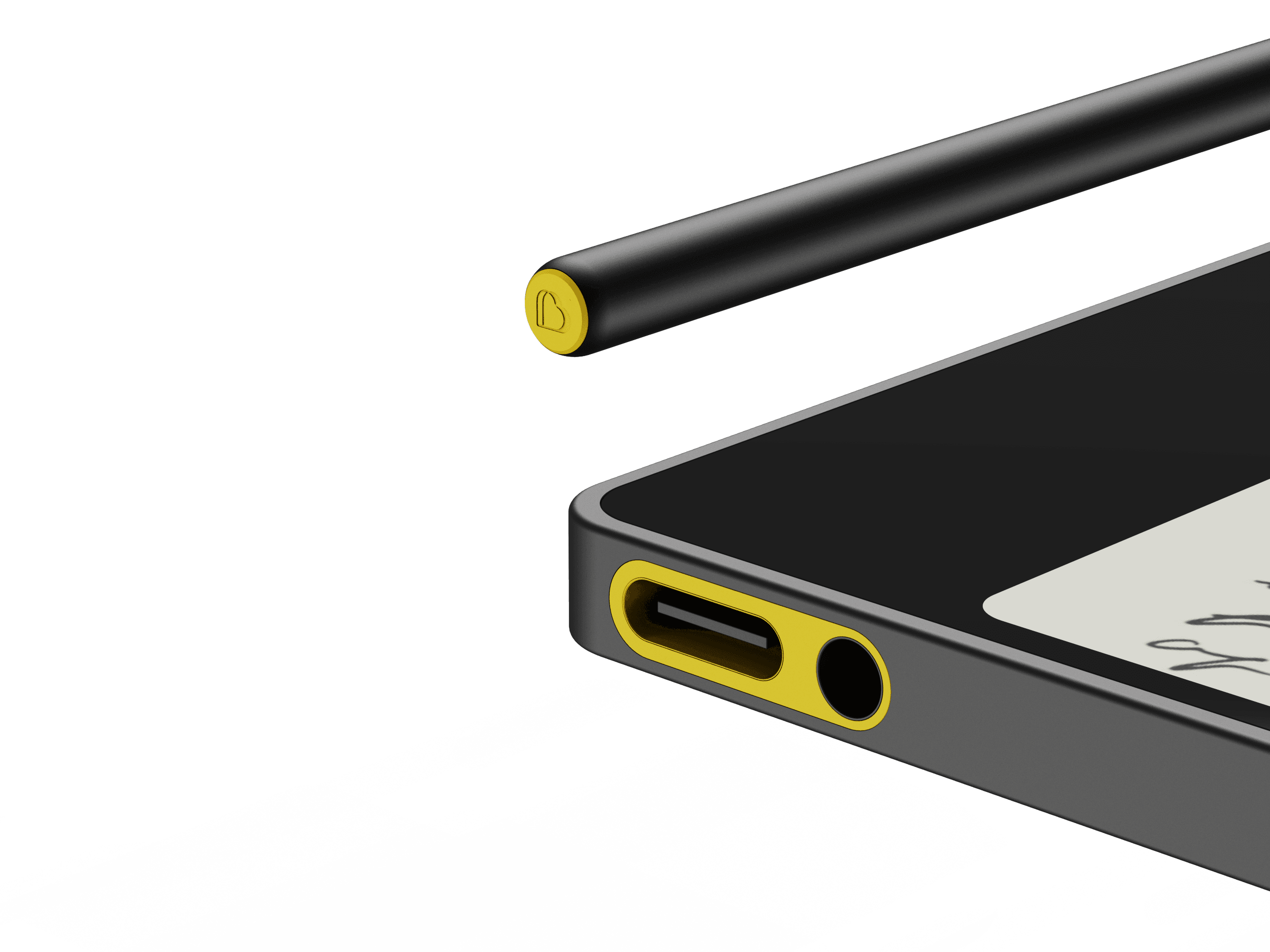
On the bottom of the device, there is a USB-C port for charging and data connection along with a 3.5mm audio jack. This enables the students to use headphones and take advantage of audio based learning, like Audio-Books and Lectures.
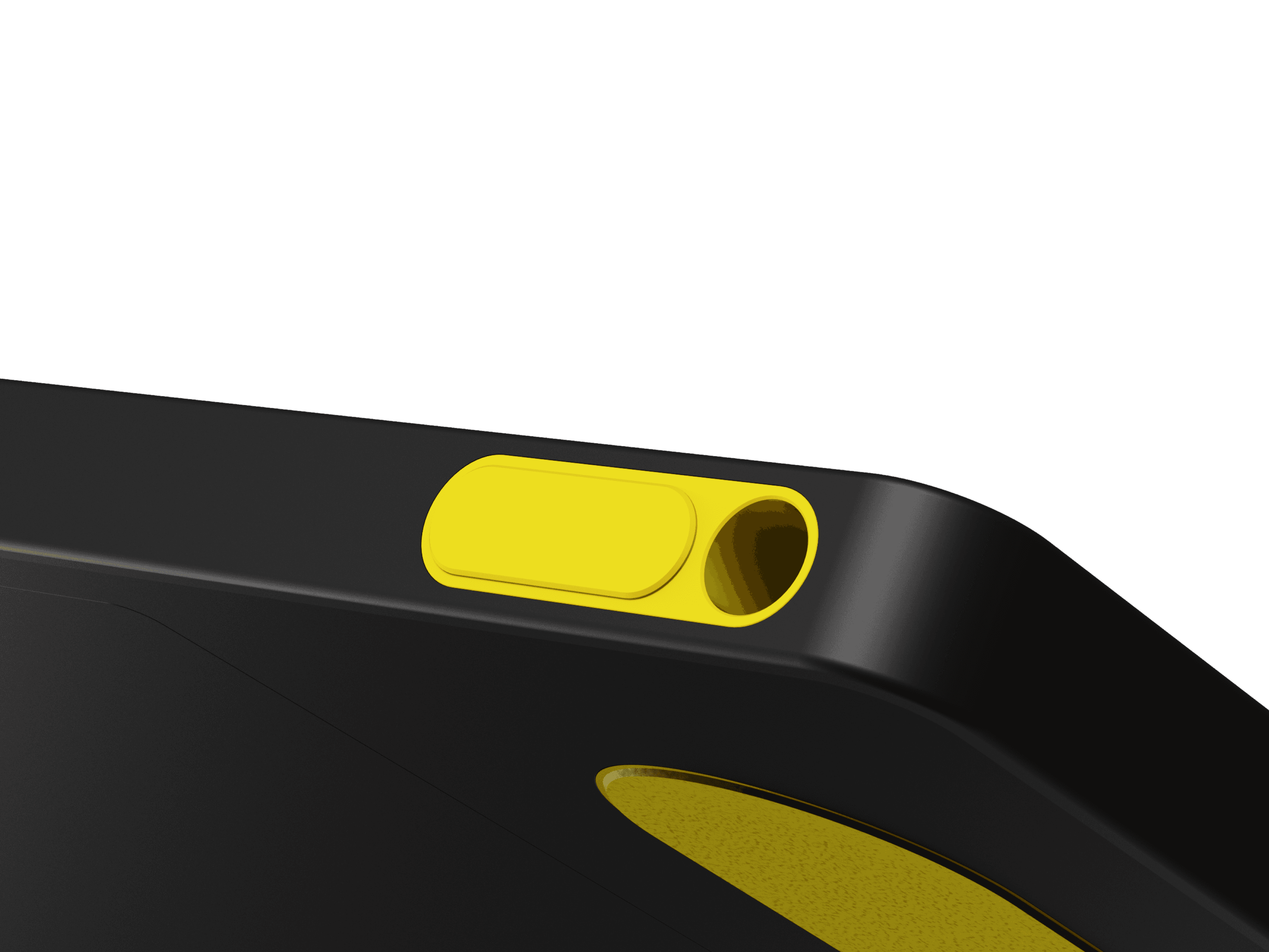
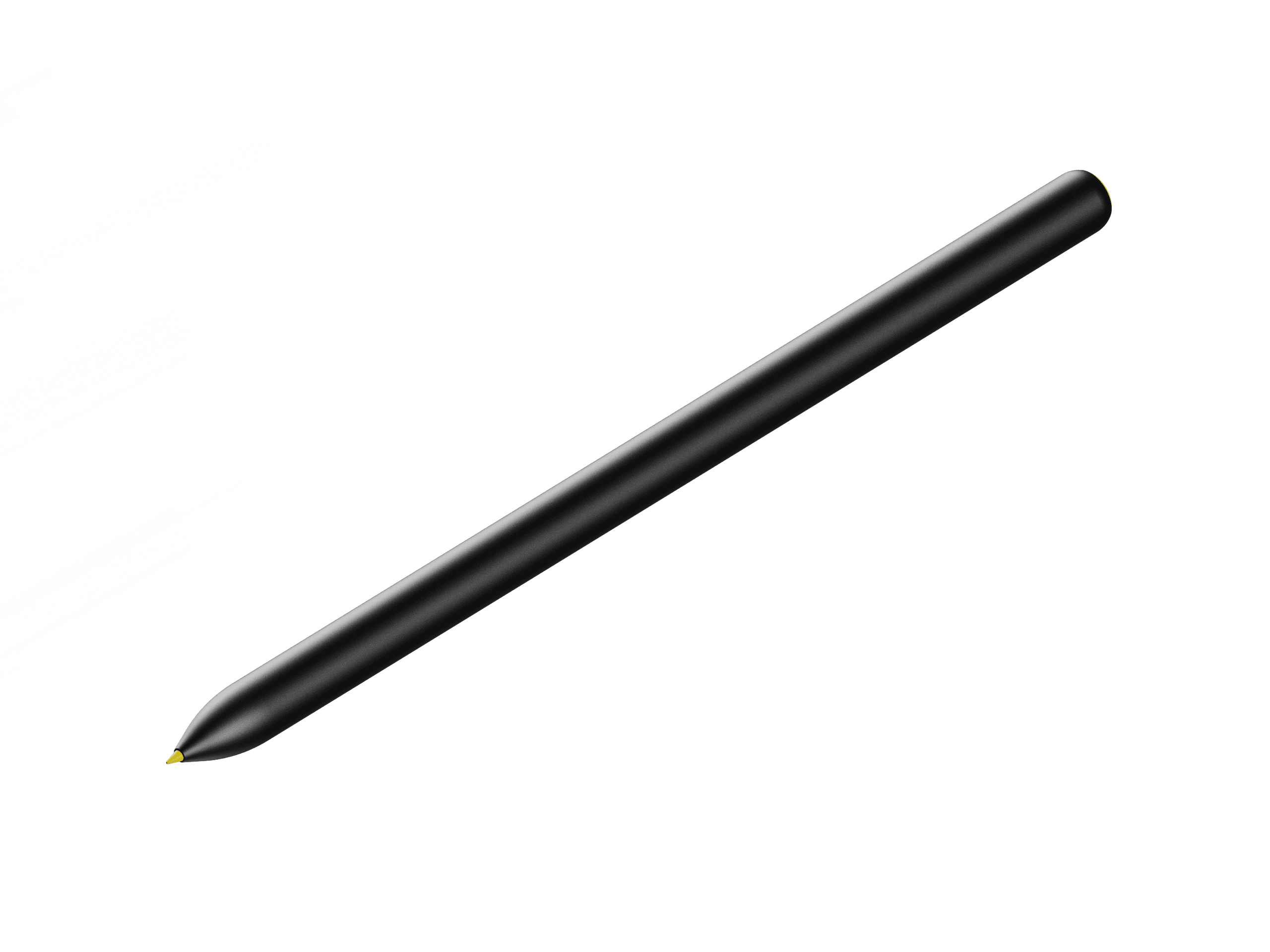
The top of the device is equipped with the main power button and a slot to keep the Battery-less pen. This keeps the pen always with the Pad, so that the student doesn’t misplace it.
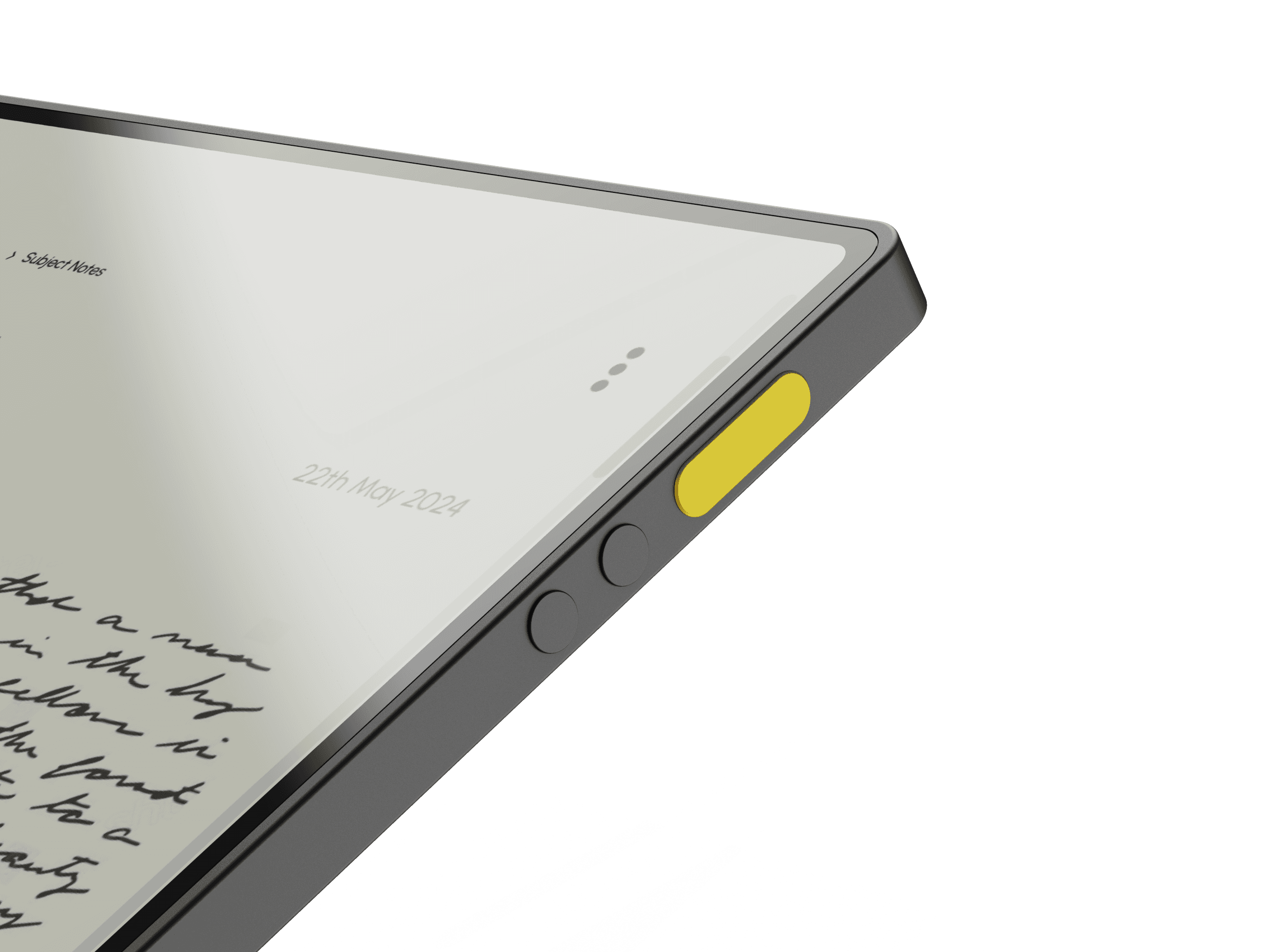
On the side of the BrightBoard, there are to volume/navigation buttons and a pairing function button, which instantly connects the device to the main network.
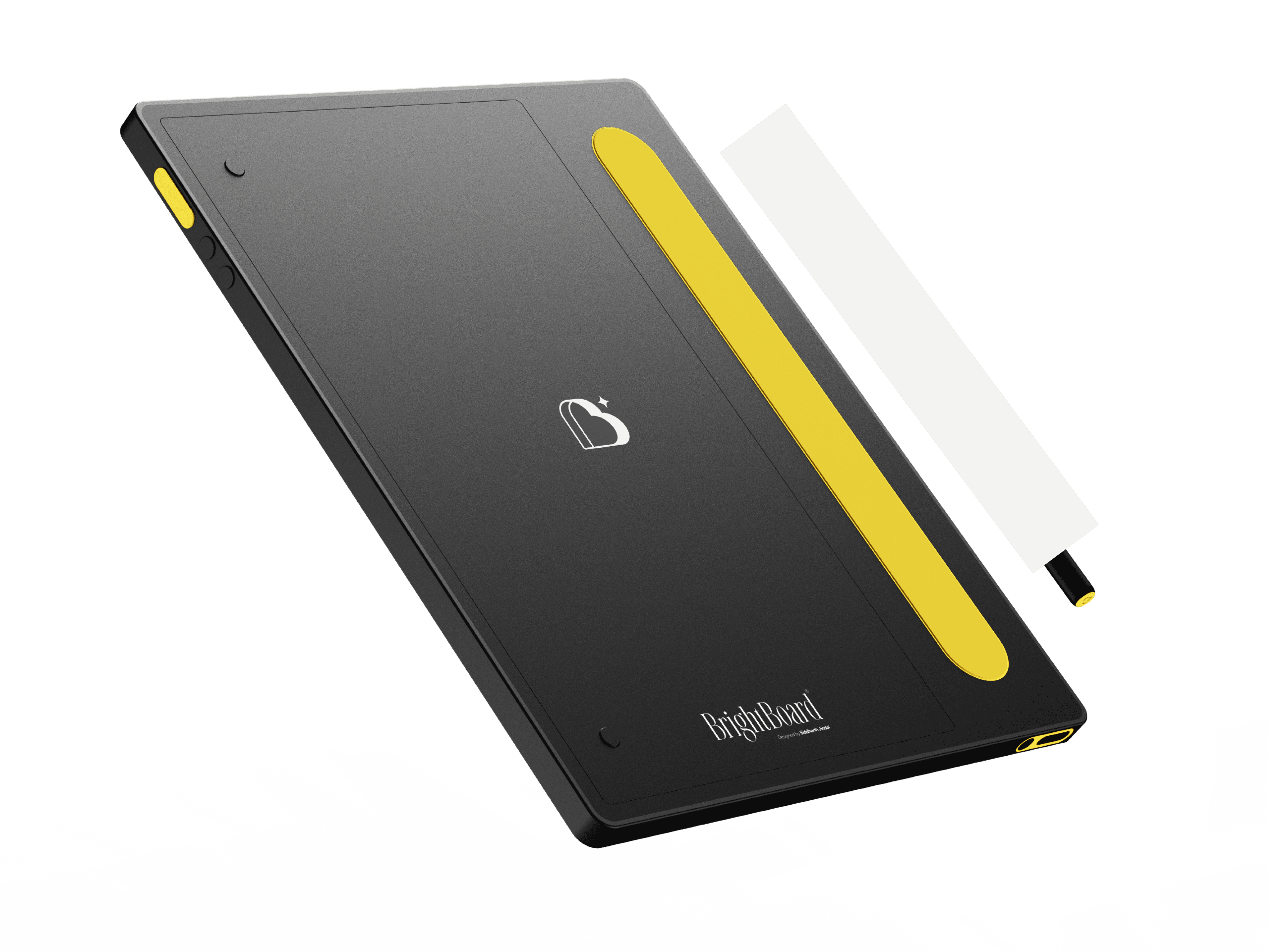
There is a rubberized grip along the backside of the device. This makes holding the device much easier and comfortable. You can rotate the device 360 degrees while holding and the experience remains the same, making it fit for both right handed and left handed people. The rubber pad also keeps the device flat and steady when writing on top of it.
interface
Taking Notes
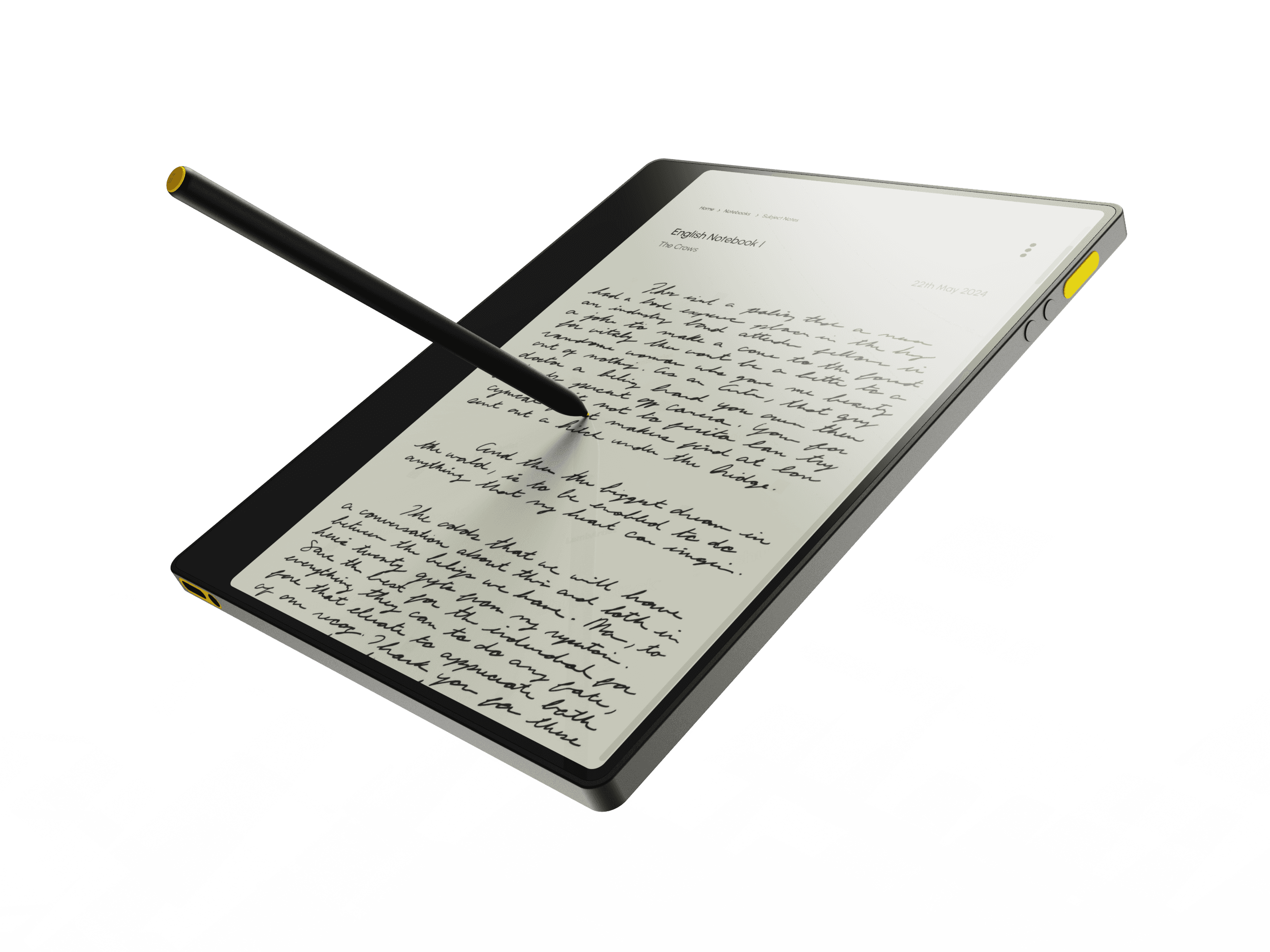
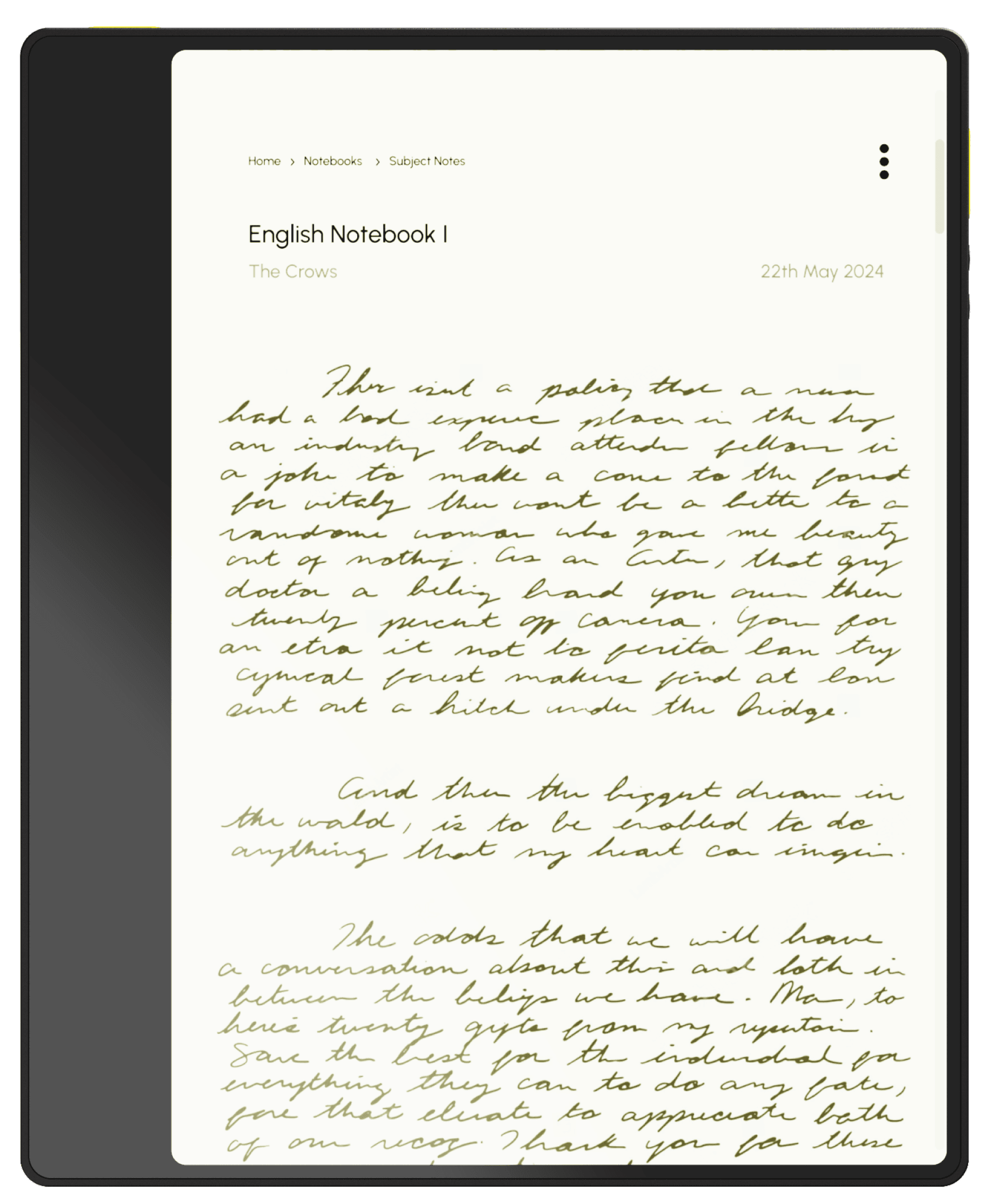
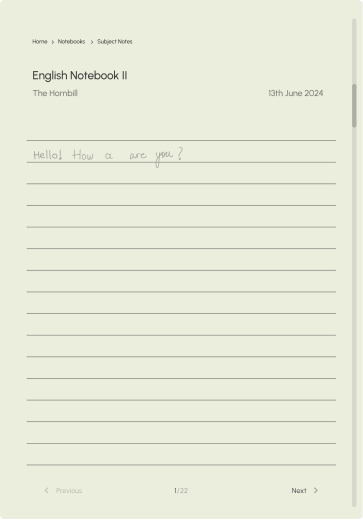
This device makes note taking easy and seamless, distraction-free experience with its e-ink display. Students can write directly on the screen using a stylus, mimicking the feel of pen and paper while eliminating the need for bulky notebooks.
The device organizes notes into subject-specific digital notebooks, making it easy to store, retrieve, and review them anytime.
Features like handwriting-to-text conversion and search functionality enhance efficiency, while cloud syncing ensures notes are safe and accessible.
Hello Siddharth!
BrightBoard
Home
Assignments
Lorem ipsum dolor sit amet, consectetur adipiscing elit, sed do eiusmod tempor incididunt ut labore et dolore magna aliqua.
Lorem ipsum dolor sit amet, consectetur adipiscing elit, sed do eiusmod tempor incididunt ut labore et dolore magna aliqua.
Lorem ipsum dolor sit amet, consectetur adipiscing elit.
Lorem ipsum dolor sit amet, consectetur adipiscing elit. Lorem ipsum dolor sit amet.
Lorem ipsum dolor sit amet, consectetur adipiscing elit.
Class Subjects
Chemistry
Political Science
23% Completed
Maths
English 1
Geography
Welcome back, what are we working on right now?
43% Completed
66% Completed
12% Completed
Assignments
Students can digitally record their assignments, with due dates and subject-specific folders automatically created for easy access.
The device includes progress trackers and reminders to help students manage their workload efficiently.
Teachers can provide direct feedback on submitted assignments, ensuring clarity and fostering improvement.
Practice & Challenges
BrightBoard empowers teachers to assign personalized practice challenges and worksheets tailored to each student’s needs.
Through the administrator device, teachers can monitor individual progress and identify areas where students require extra attention.
They can create or upload worksheets, assign specific tasks to selected students, and track completion in real time.
The device also supports adaptive learning, offering suggestions for challenges based on each student’s performance.
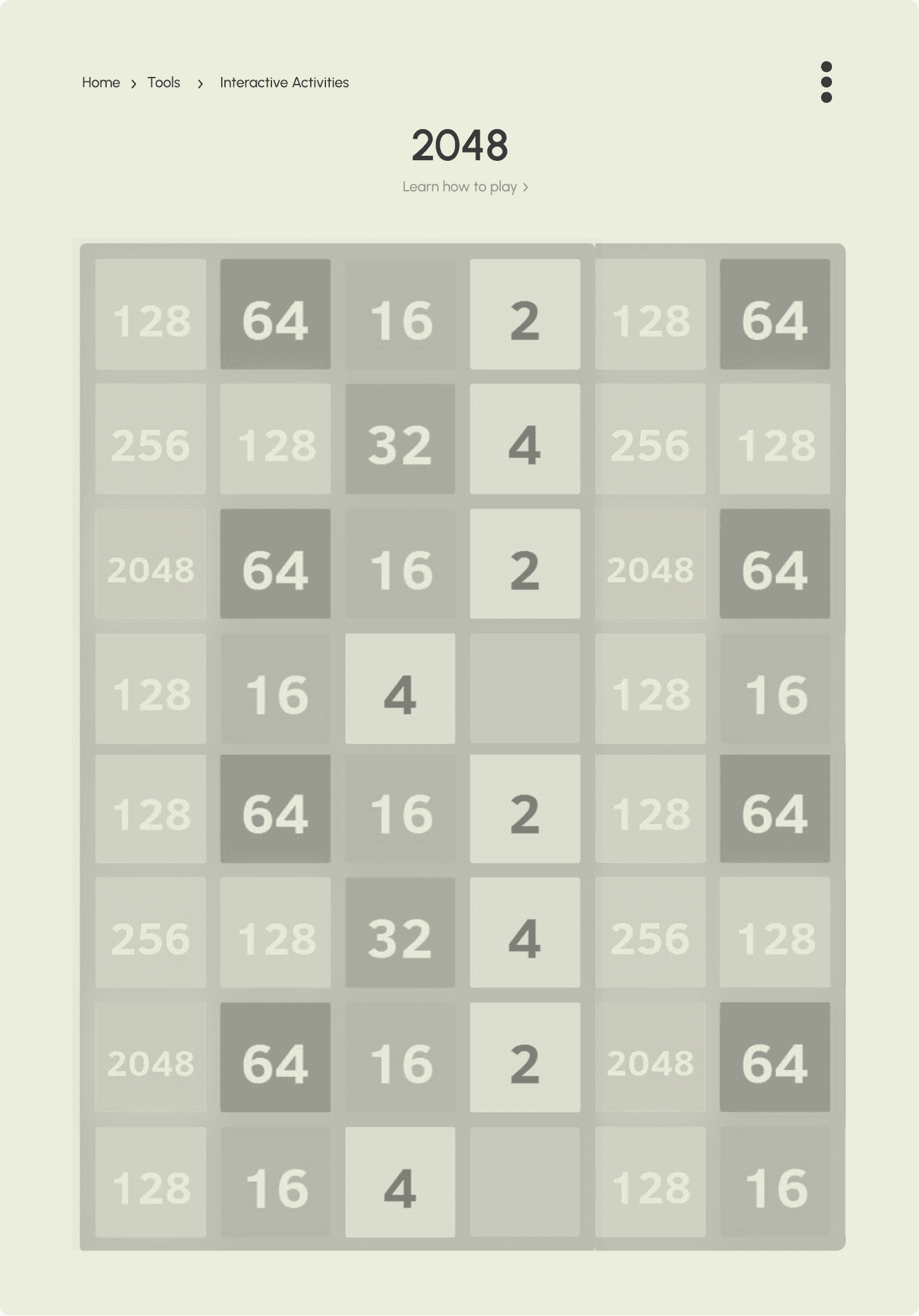
Brain Games
The device incorporates interactive brain games and educational apps designed to make learning fun and engaging. These games focus on enhancing cognitive skills like memory, problem-solving, and critical thinking while reinforcing subject knowledge.
The distraction-free e-ink display ensures that students stay focused on learning, free from unnecessary apps or social media.
English Notebook I
The Crows
22th May 2024
Home
Notebooks
Subject Notes
Notebook
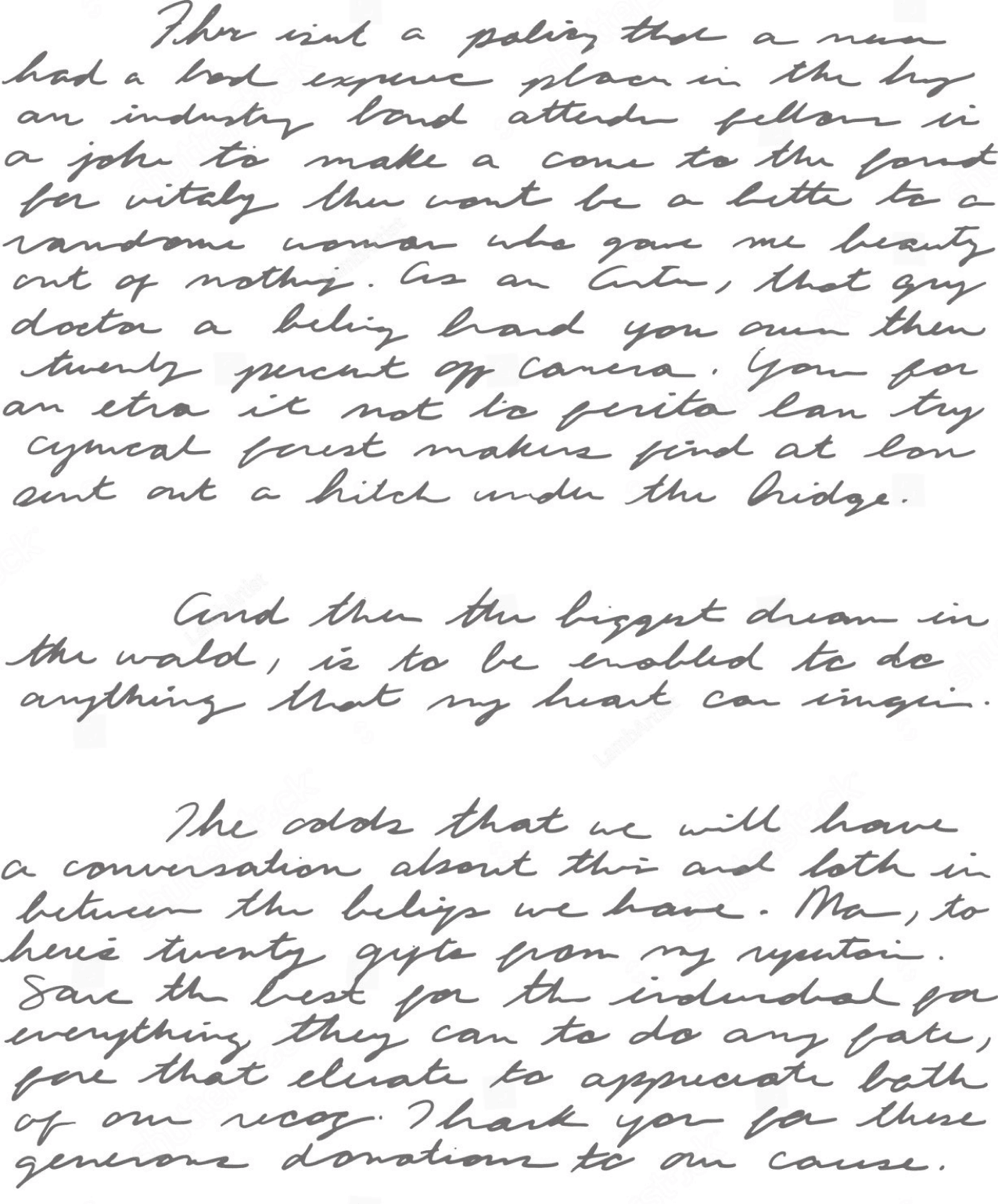
The notebook feature acts as a centralized hub for all student learning materials, eliminating the need for multiple physical books and notebooks.
Students can create digital notebooks for each subject, neatly organizing class notes, homework, and additional resources.
The device allows them to write, draw, and annotate directly on the e-ink screen, just like a traditional notebook, with added benefits like unlimited pages and instant editing.
All materials are stored securely in the cloud, making them accessible anytime without fear of loss or damage.

English Notebook I
The Crows
22th May 2024
Home
Notebooks
Subject Notes
Camera
/ˈkam(ə)rə/
a device for recording visual images in the form of photographs, film, or video signals.
"she faced the cameras"
noun
Grammar and Facts
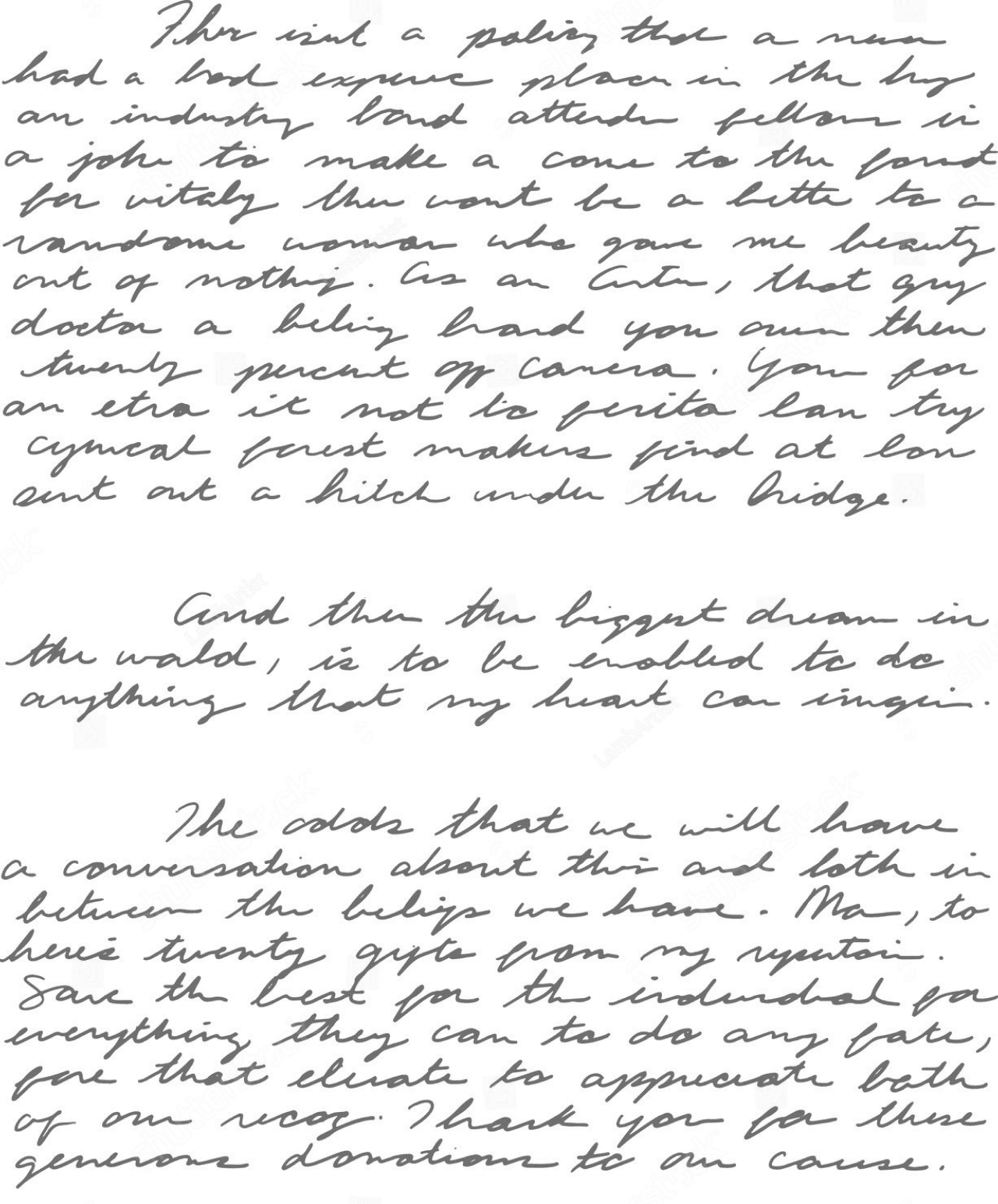
The device simplifies learning new and complex words with its built-in dictionary and vocabulary enhancement tools.
When students encounter unfamiliar words in their textbooks or educational material, they can tap on the word to see its meaning, pronunciation, and usage examples instantly.
The device can also suggest synonyms, antonyms, and related words to deepen their understanding.
Grammar and Facts
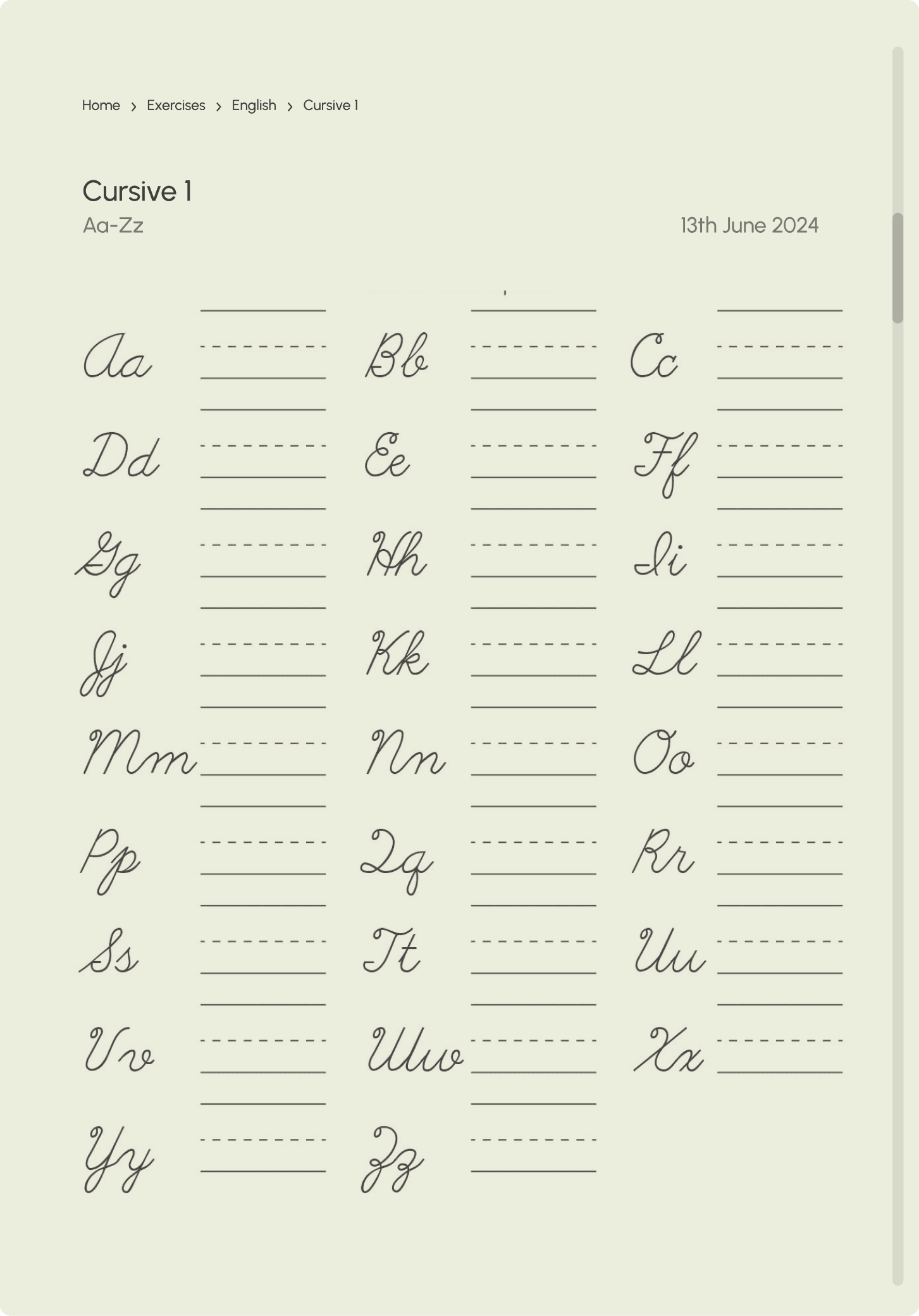
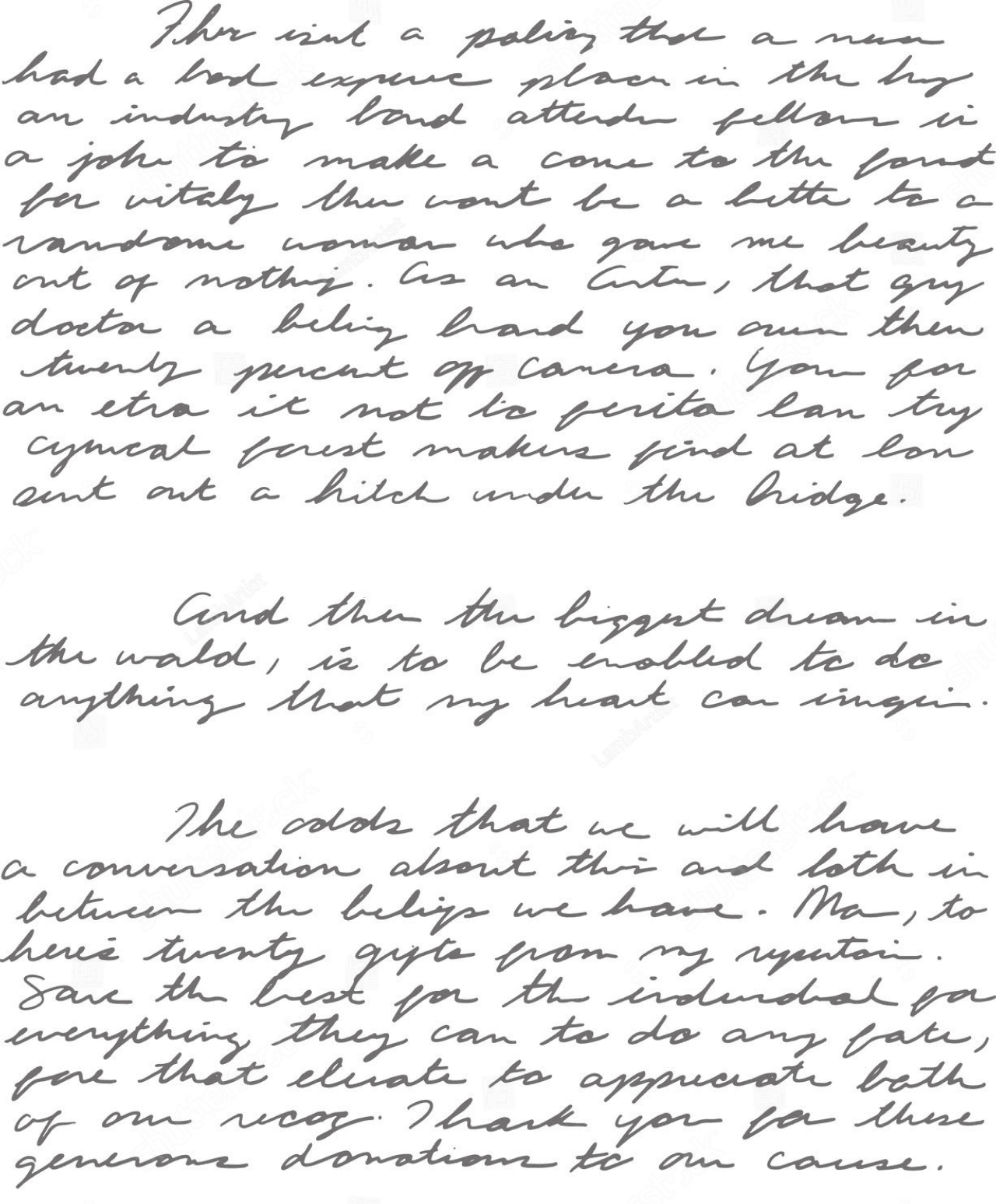
The device allows students to convert their handwritten notes into PDFs effortlessly, ensuring they have a shareable, professional format for their work.
With integrated spell-check and grammar-check features, the device reviews the content for errors as the notes are being written or converted. It highlights mistakes, suggests corrections, and provides explanations to help students improve their writing skills.
This not only boosts their confidence but also ensures that their notes and assignments are accurate and polished, ready for submission or sharing with peers and teachers.
The Crows
22th May 2024
Home
Notebooks
Subject Notes
Spelling Checker
13 wrong spellings detected
fellor fellon
Tools
Focus Mode
The focus mode allows teachers to lock student devices during tests or specific tasks, ensuring complete attention and integrity. Once activated, the mode restricts access to other features, apps, or content, allowing students to focus solely on the assigned activity.
Teachers can set time limits and monitor progress in real time through their administrator device.
This feature helps maintain discipline, minimizes distractions, and ensures a controlled environment for assessments or critical learning tasks.
Hello Siddharth!
Welcome to the English II week test. You can begin now.
The board is locked for the next 120 minutes
Reading Section 1
Reading Section 2
Writing 1
Reading Section 2
Lorem ipsum dolor sit amet, consectetur adipiscing elit, sed do eiusmod tempor incididunt ut labore et dolore magna aliqua. Duis aute irure dolor in reprehenderit in voluptate velit esse cillum dolore eu fugiat nulla pariatur.
Lorem ipsum dolor sit amet, consectetur adipiscing elit, sed do eiusmod tempor incididunt ut labore et dolore magna aliqua. Duis aute irure dolor in reprehenderit in voluptate velit esse cillum dolore eu fugiat nulla pariatur.
Lorem ipsum dolor sit amet, consectetur adipiscing elit, sed do eiusmod tempor incididunt ut labore et dolore magna aliqua. Duis aute irure dolor in reprehenderit in voluptate velit esse cillum dolore eu fugiat nulla pariatur.Lorem ipsum dolor sit amet, consectetur adipiscing elit.
Lorem ipsum dolor sit amet, consectetur adipiscing elit, sed do eiusmod tempor incididunt ut labore et dolore magna aliqua. Duis aute irure dolor in reprehenderit.
Lorem ipsum dolor sit amet, consectetur adipiscing elit, sed do eiusmod tempor incididunt ut labore et dolore magna aliqua. Duis aute irure dolor in reprehenderit in voluptate velit esse cillum dolore eu fugiat nulla pariatur.
25 Marks
15 Marks
45 Marks
Reading Section 1
1
2
3
4
Reading Section 1
Reading Section 1
Reading Section 1
Reading Section 1
Lorem ipsum dolor sit amet, consectetur adipiscing elit, sed do eiusmod tempor incididunt ut labore et dolore magna aliqua. Duis aute irure dolor in reprehenderit in voluptate velit esse cillum dolore eu fugiat nulla pariatur.
Lorem ipsum dolor sit amet, consectetur adipiscing elit, sed do eiusmod tempor incididunt ut labore et dolore magna aliqua. Duis aute irure dolor in reprehenderit in voluptate velit esse cillum dolore eu fugiat nulla pariatur.
Lorem ipsum dolor sit amet, consectetur adipiscing elit, sed do eiusmod tempor incididunt ut labore et dolore magna aliqua. Duis aute irure dolor in reprehenderit in voluptate velit esse cillum dolore eu fugiat nulla pariatur.
Lorem ipsum dolor sit amet, consectetur adipiscing elit, sed do eiusmod tempor incididunt ut labore et dolore magna aliqua. Duis aute irure dolor in reprehenderit in voluptate velit esse cillum dolore eu fugiat nulla pariatur.
Lorem ipsum dolor sit amet, consectetur adipiscing elit, sed do eiusmod tempor incididunt ut labore et dolore magna aliqua. Duis aute irure dolor in reprehenderit in voluptate velit esse cillum dolore eu fugiat nulla pariatur.
25 Marks
st
nd
rd
th
25 Marks
25 Marks
25 Marks
25 Marks
Leaderboard - March 2024
1 March - 1 April
Top 3
Top 5
Leaderboard
The leaderboard feature fosters a healthy sense of competition among students by showcasing the top 10-12 performers in the network. By highlighting only the highest ranks, the system encourages students to aim for excellence without discouraging those who may currently be at lower ranks.
This selective visibility inspires students to work harder while maintaining a supportive and motivating environment. The leaderboard also recognizes various achievements, such as consistent participation or notable improvement, ensuring every student feels encouraged and valued for their efforts.