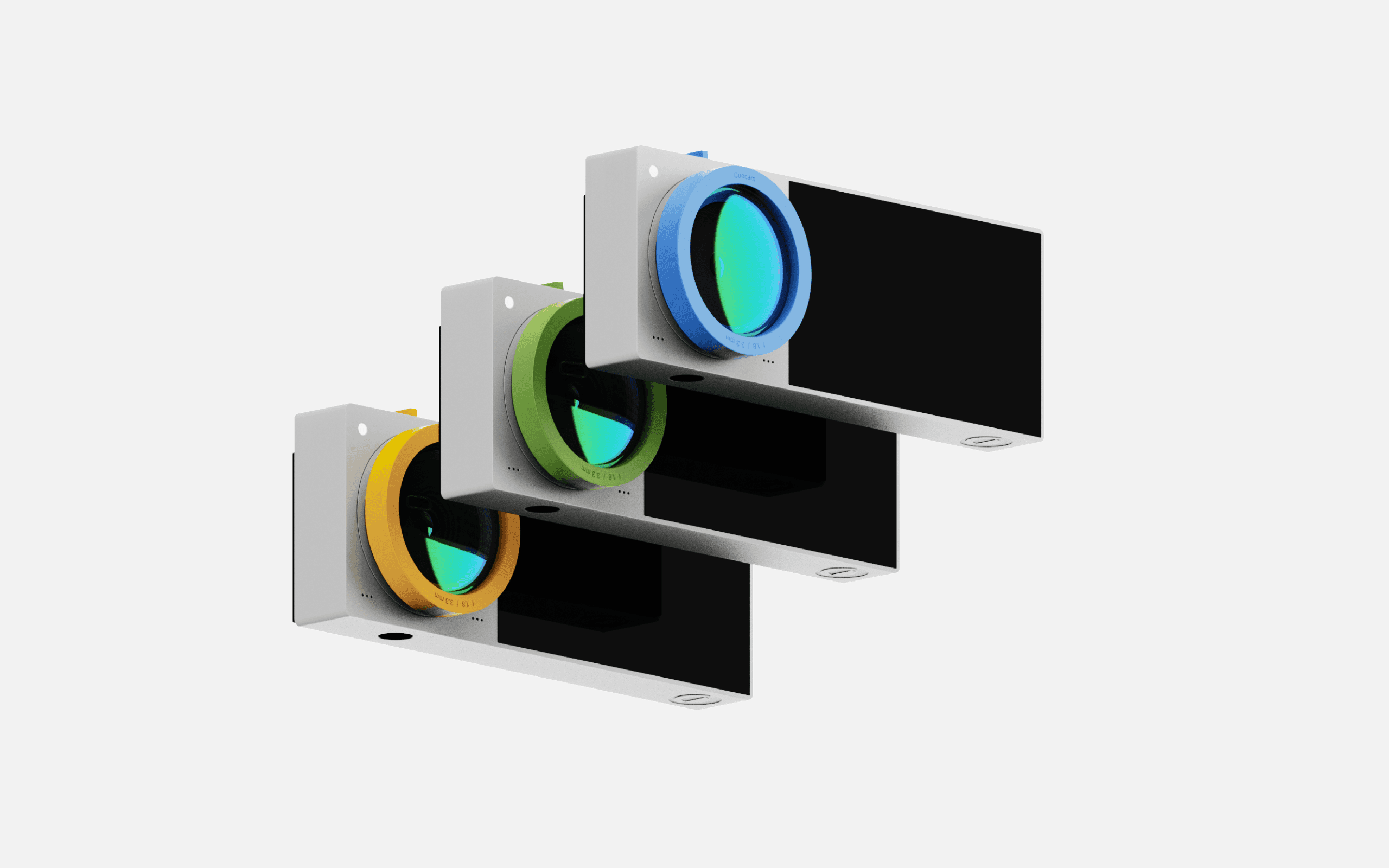
From Blur to Brilliant | Designing a webcam that keeps up with how you
show up.
A smart webcam with an integrated display that shows notes, cues, and reminders, helping you stay confident, connected, and camera-ready.
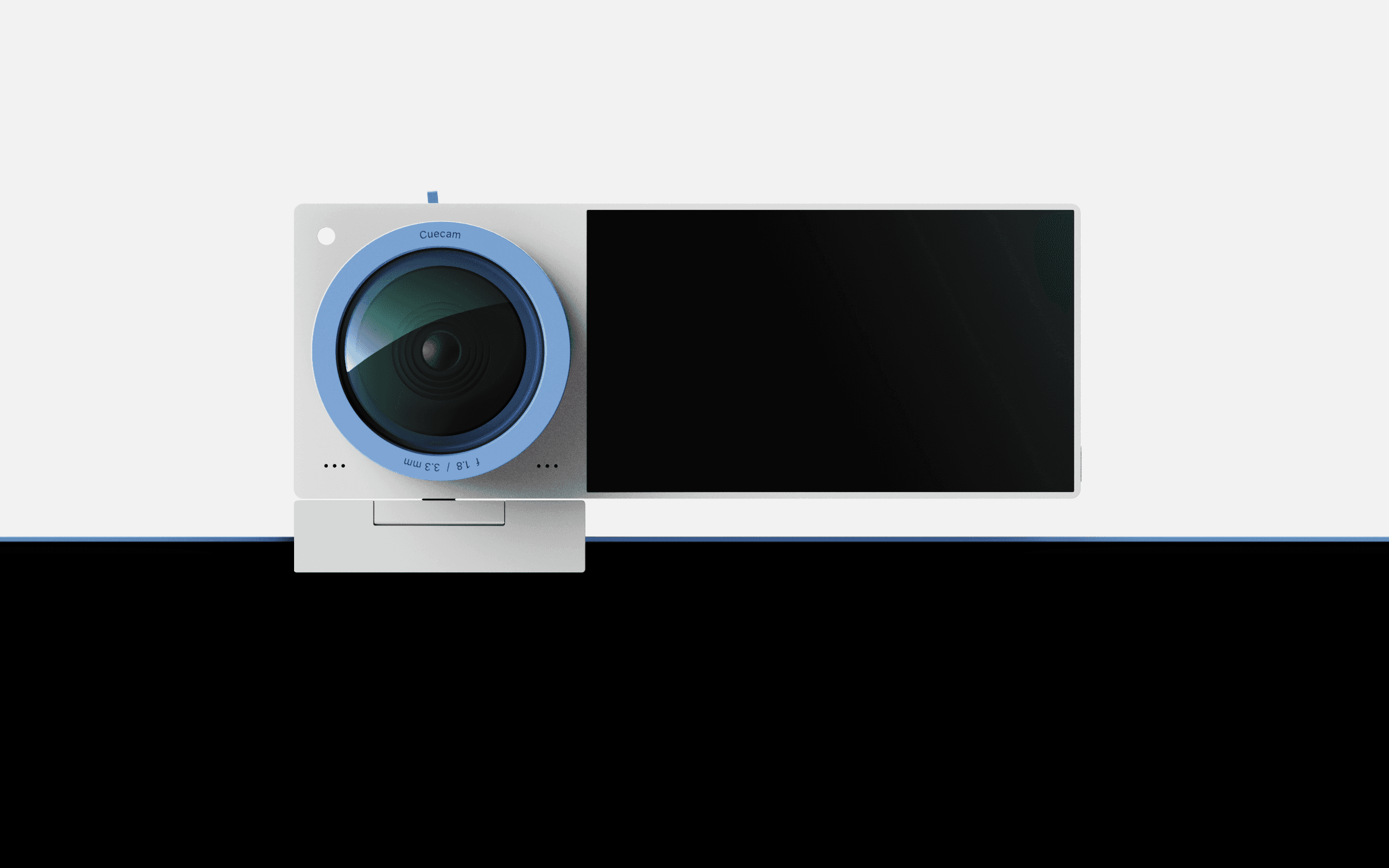
Cuecam is a smart webcam built for the way we actually work and communicate today. It’s got a tiny built-in screen that acts like a secondary output device, helping you with things like reading scripts, checking your framing, or seeing quick updates and notifications while you're on a call.
With physical controls right on the device and a clean, compact design, it brings a whole new level of ease and confidence to video calls, content creation, and everything in between.
Context
As remote work and virtual communication became the norm, traditional webcams proved inadequate for maintaining eye contact, referencing notes, and staying engaged during calls. Users often juggled multiple tools, leading to distraction and inefficiency.
Cuecam was designed to address these pain points - a smart webcam with an integrated display that supports focused, seamless, and more human virtual interactions by blending hardware innovation with a minimal, intuitive interface.
The user interface of Cuecam was designed to be subtle yet supportive, offering just the right information at the right time without pulling focus from the conversation. Since the device sits directly above or near the main display, the UI had to be clean, glanceable, and purpose-driven.
Inspired by teleprompters, notification systems, and assistive overlays, the interface includes features like live captions, scrolling scripts, gentle posture cues, and calendar prompts.
The goal was to make users feel more prepared and present, without adding complexity or cognitive load. Every element was designed to complement the webcam experience, not compete with it.
3 Weeks
Timeline
UX Research
UI Development
Industrial Design
Role
1 Designer
Team
Figma
Fusion360
Keyshot
Tools
Cuecam
Why?
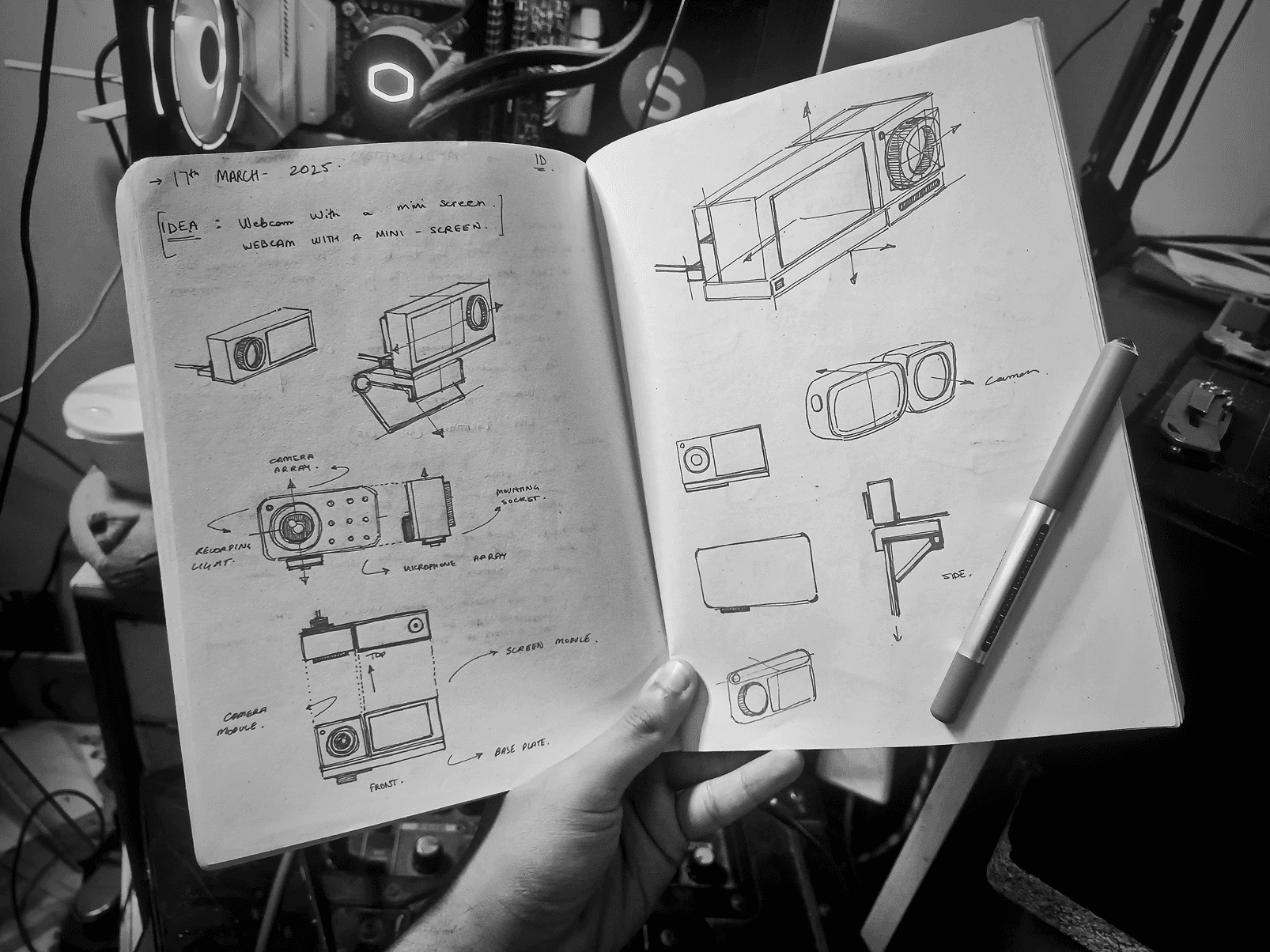
ideation
Rough sketches for the idea of Cuecam
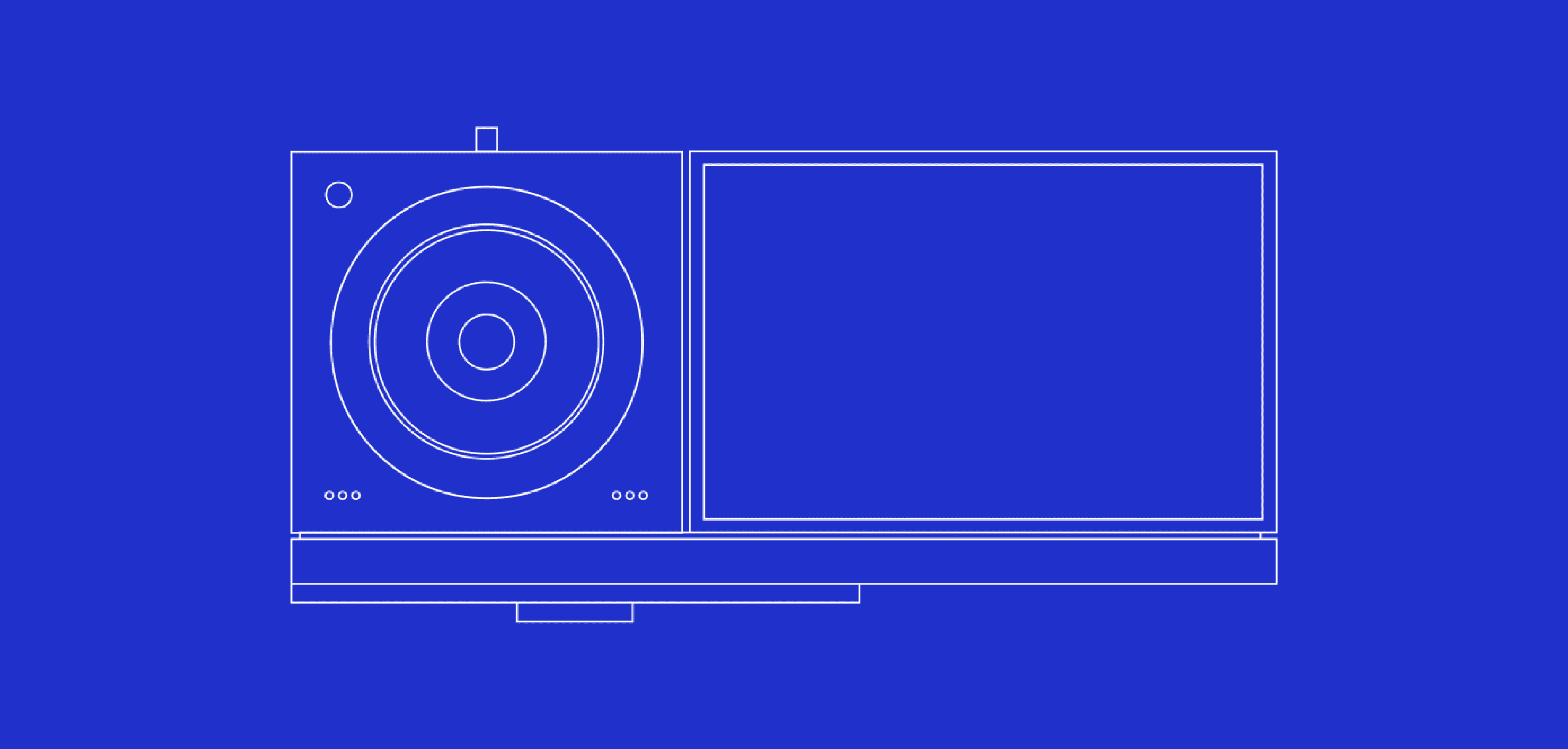
Final Layout
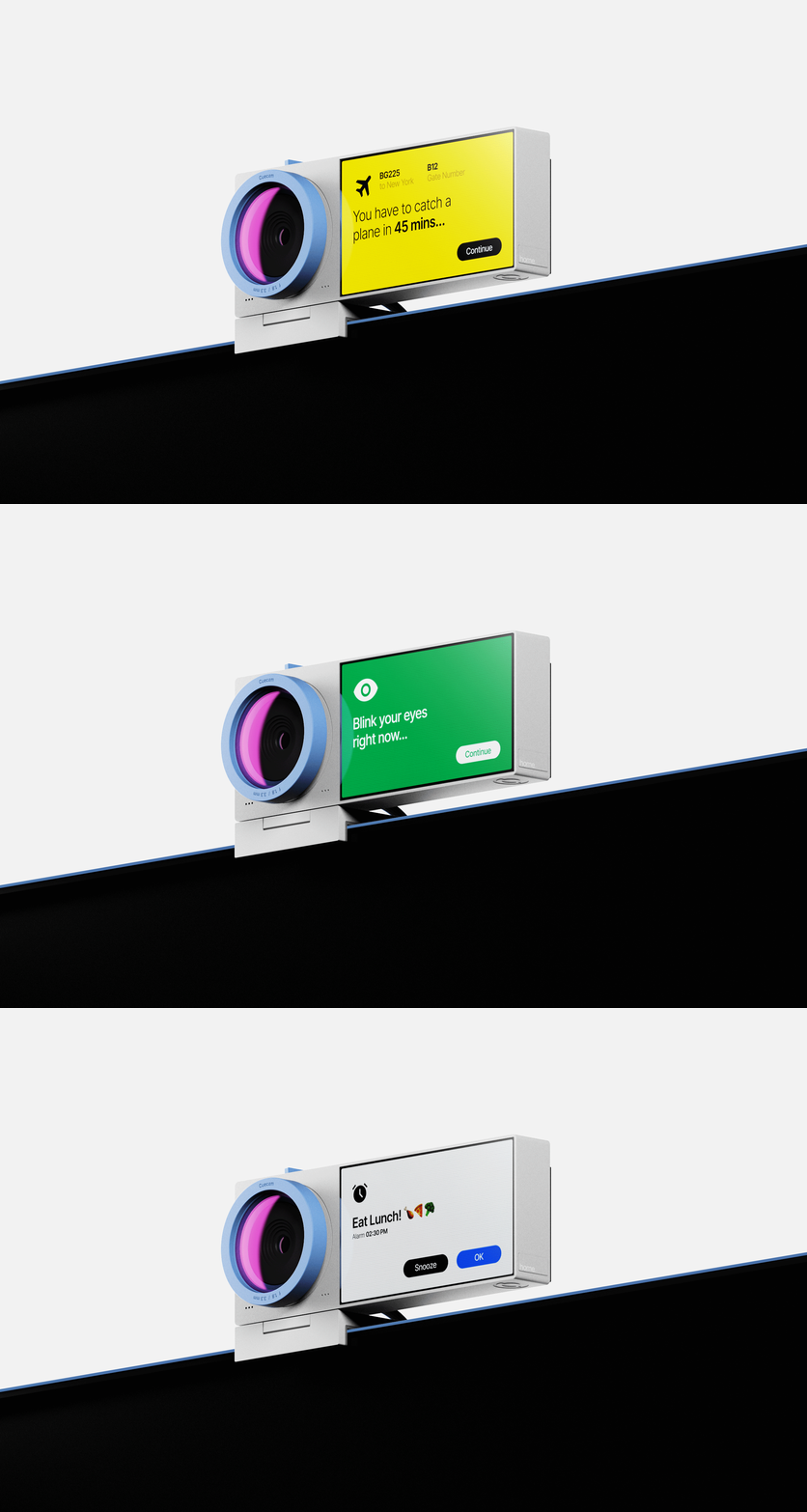
Cuecam keeps you in the loop without distractions. It can show quick calendar reminders, daily tasks, or notifications right on the mini screen — so you don’t miss a thing while staying focused on your main work. Whether it’s a meeting alert or a nudge to take a break, it’s all there, right where you need it.
Cues and Reminders
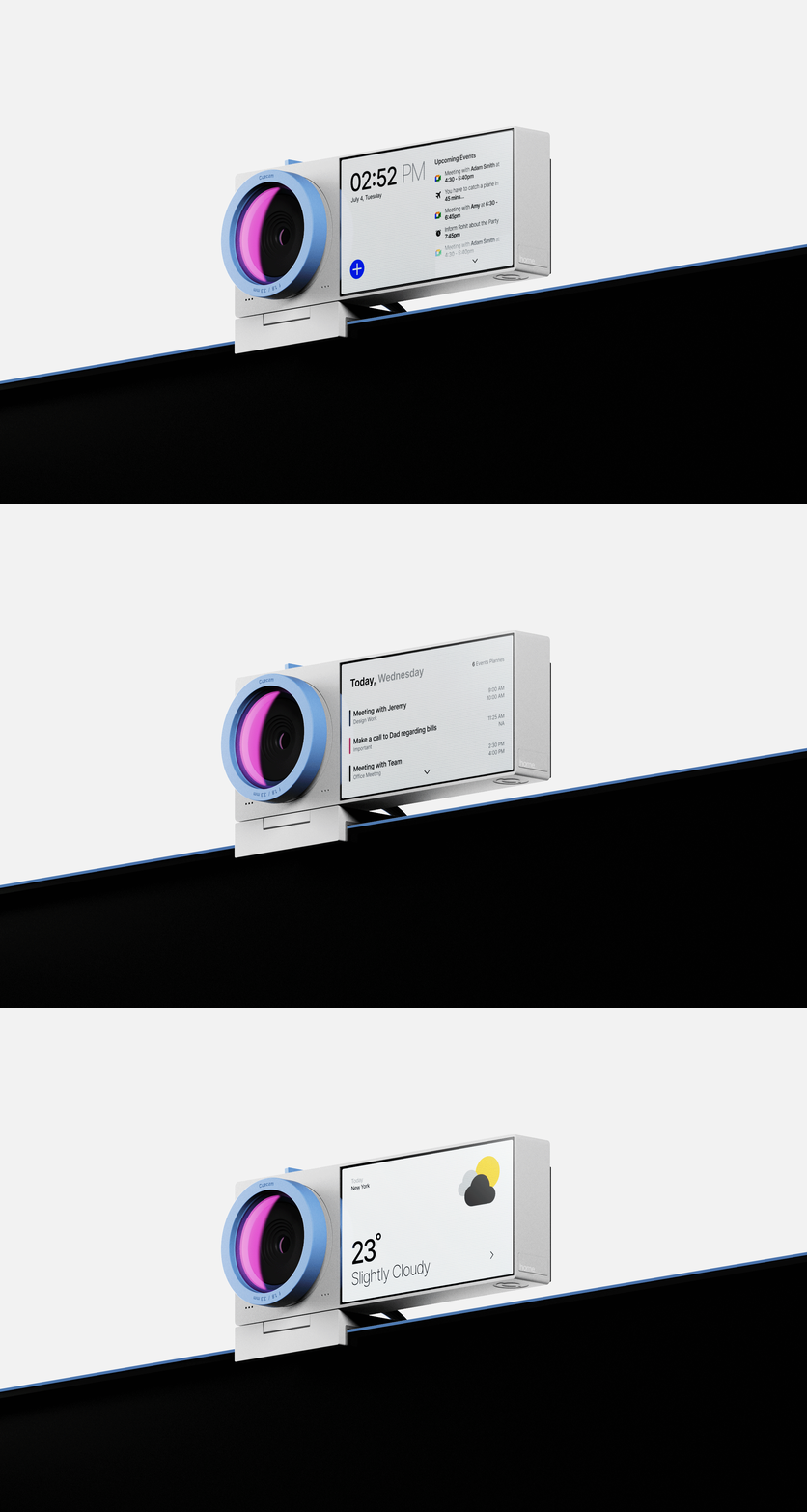
Even when not in use for video calls, Cuecam works like a compact smart display on your desk. It can quietly show the current weather, your daily calendar, upcoming meetings, or reminders — all in a clean, easy-to-read layout. Instead of going unnoticed, it becomes a subtle, always-on glance screen that keeps you organized and in sync with your day.
Supporting Productivity
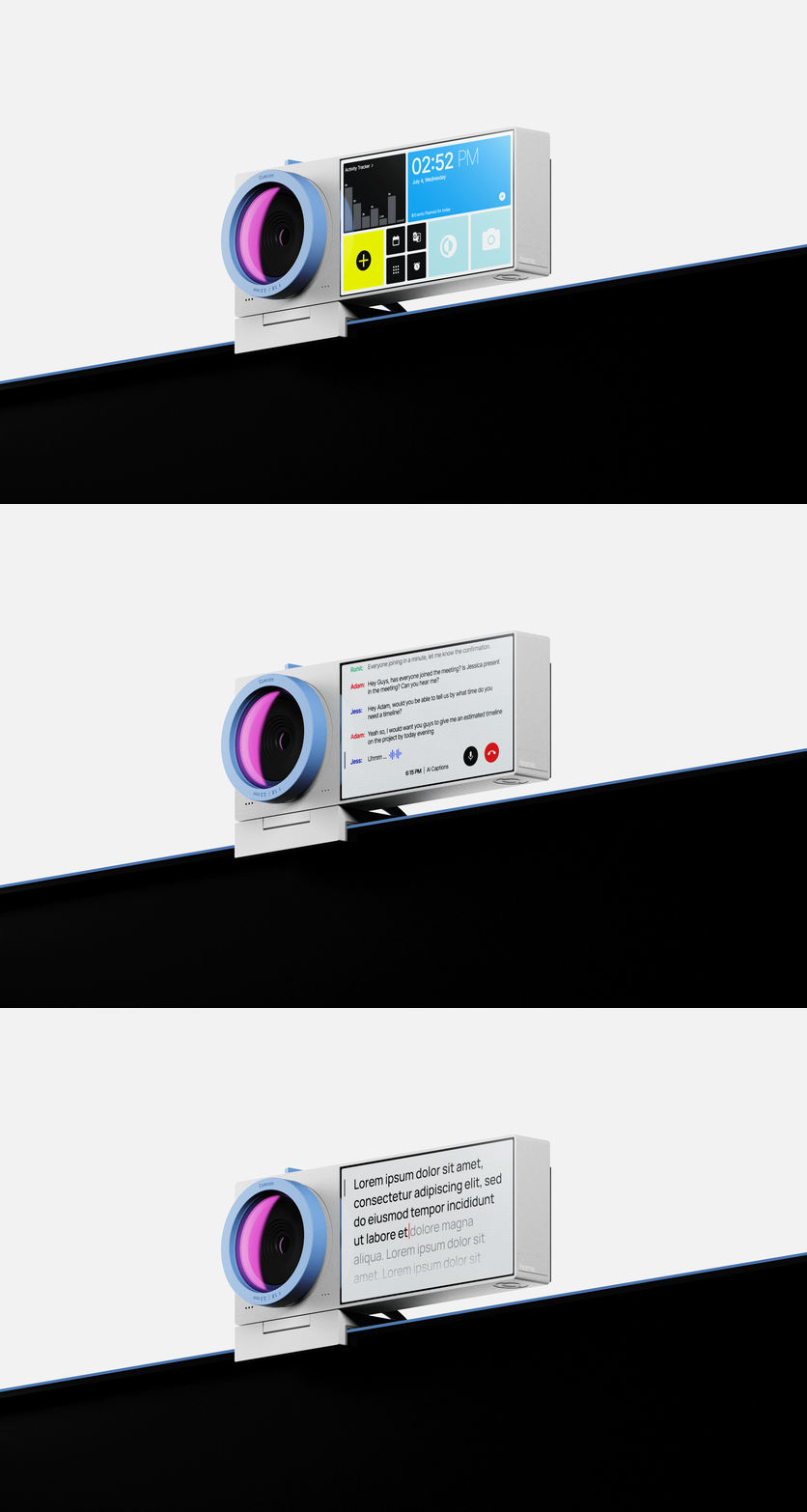
It puts the right tools where you actually need them, right by the camera. From live captions during meetings to a mini teleprompter for scripts, it helps you stay sharp, speak clearly, and keep your flow going without clicking around or losing focus.
It can even give you gentle nudges like “sit up straight,” “smile a little,” or “maintain eye contact” — just the small things that make a big difference on camera.
AI Tools
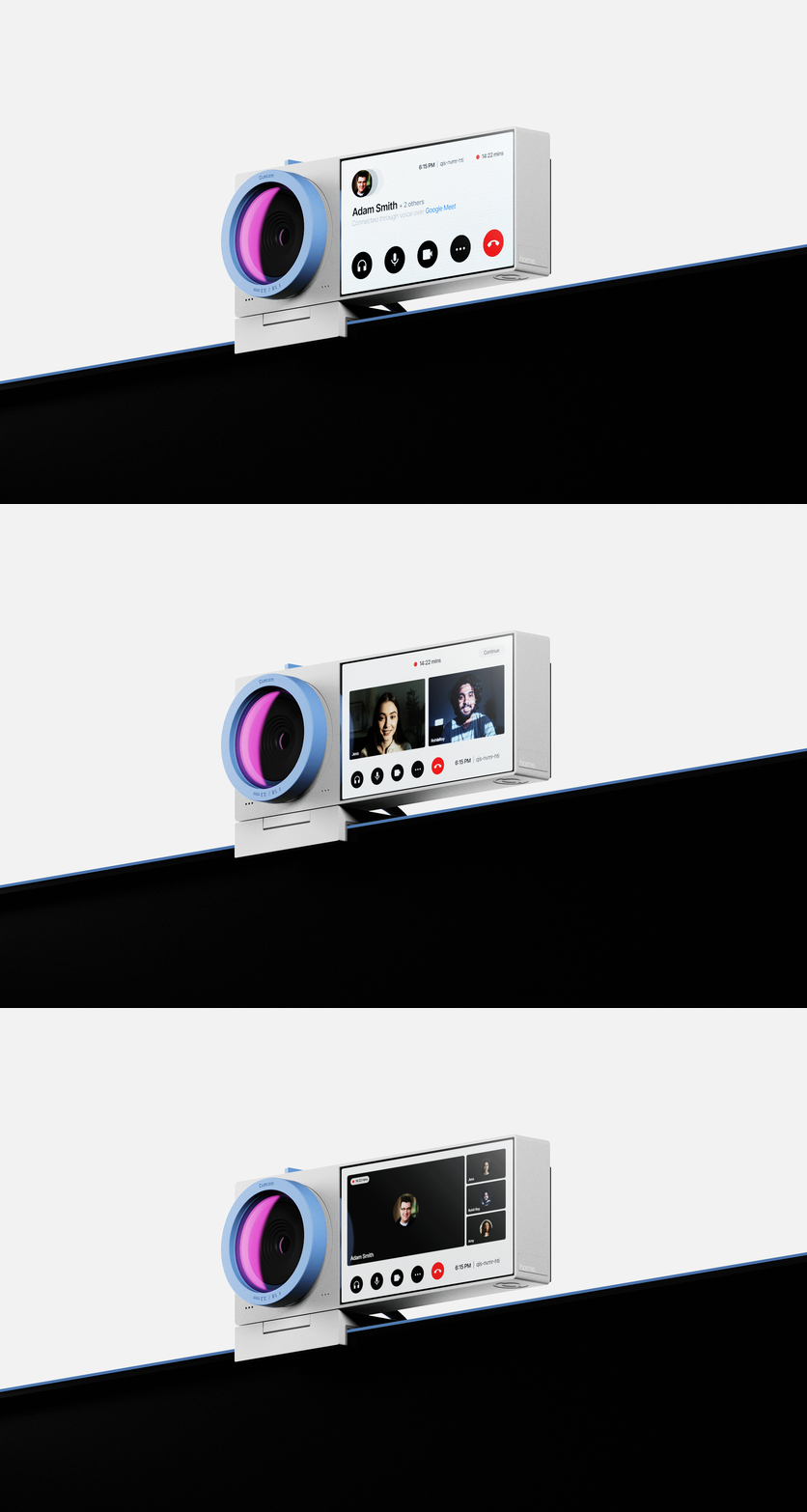
Cuecam can act as a handy second screen. You can move your video call to the webcam’s display, freeing up your main screen for the primary task you’re working on. It’s a simple way to multitask without juggling windows or losing focus.
Calls and Meetings
controls
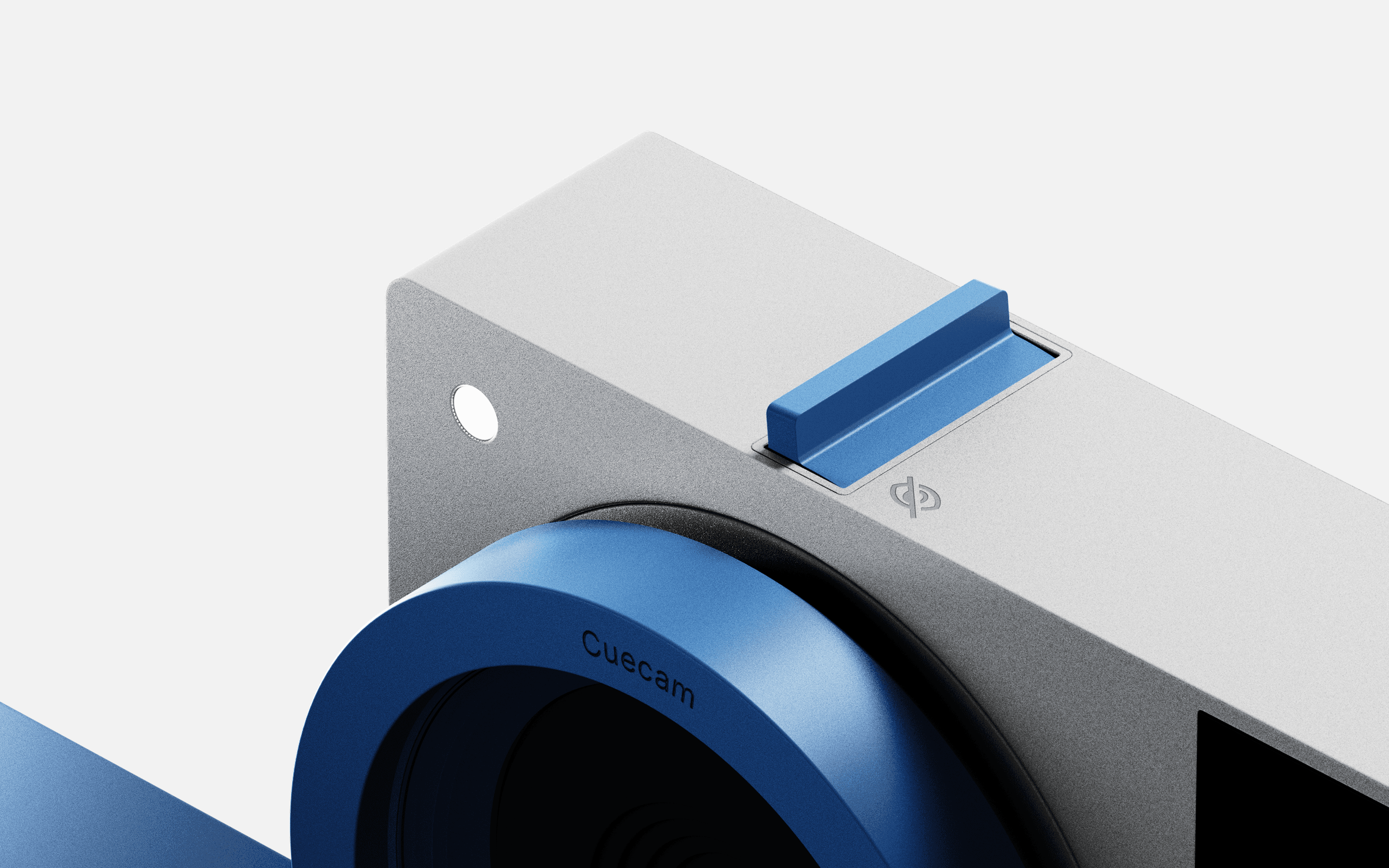
On the top of the Webcam, there is a toggle switch that turns the camera sensor on and off. Whenever the camera is not in use, and you want to make sure it is not turned on, just flip the switch to the crossed eye icon and the power will be cut from the camera sensor, and the white light will turn red to indicate standby mode.
Camera Switch
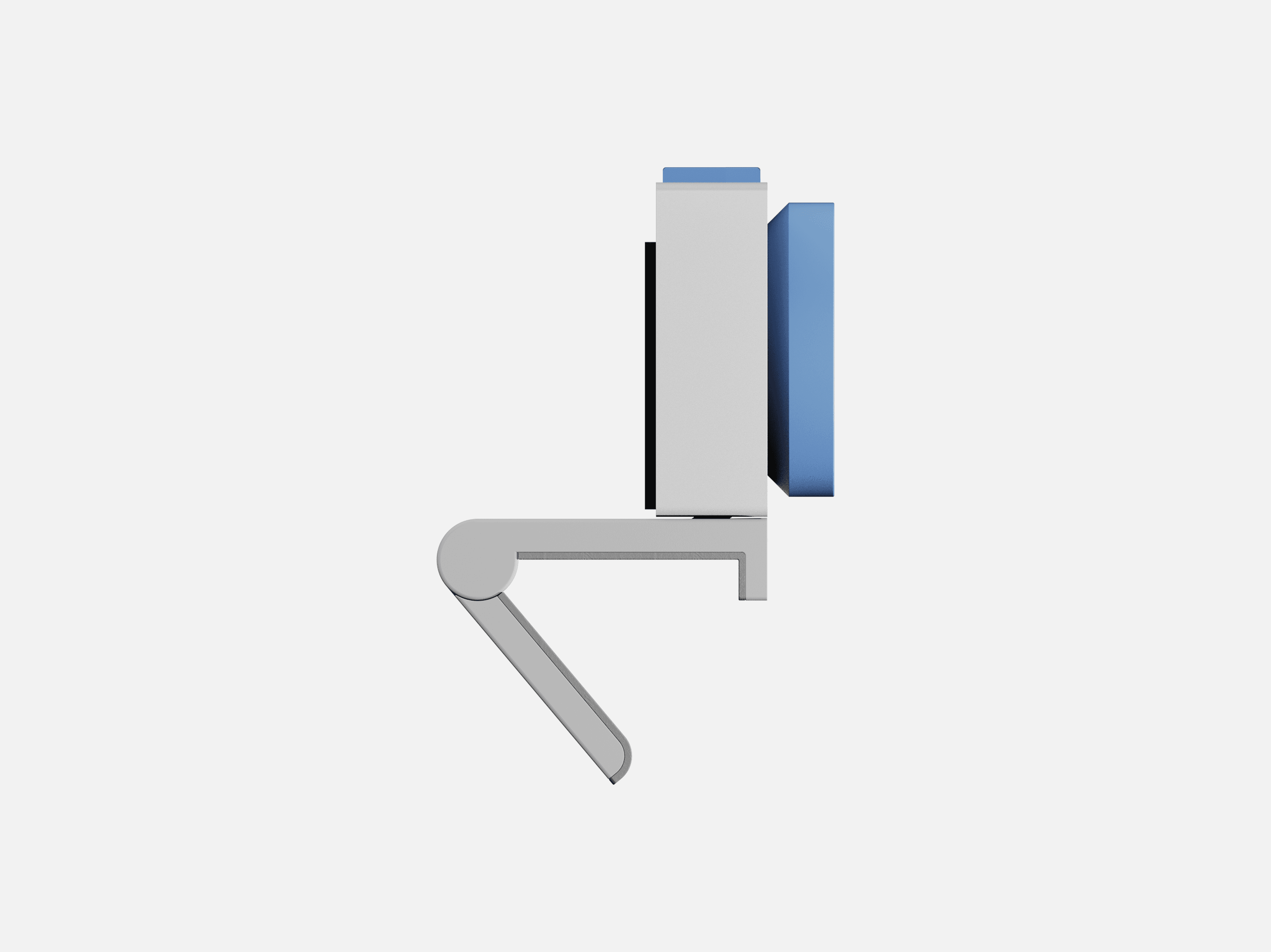
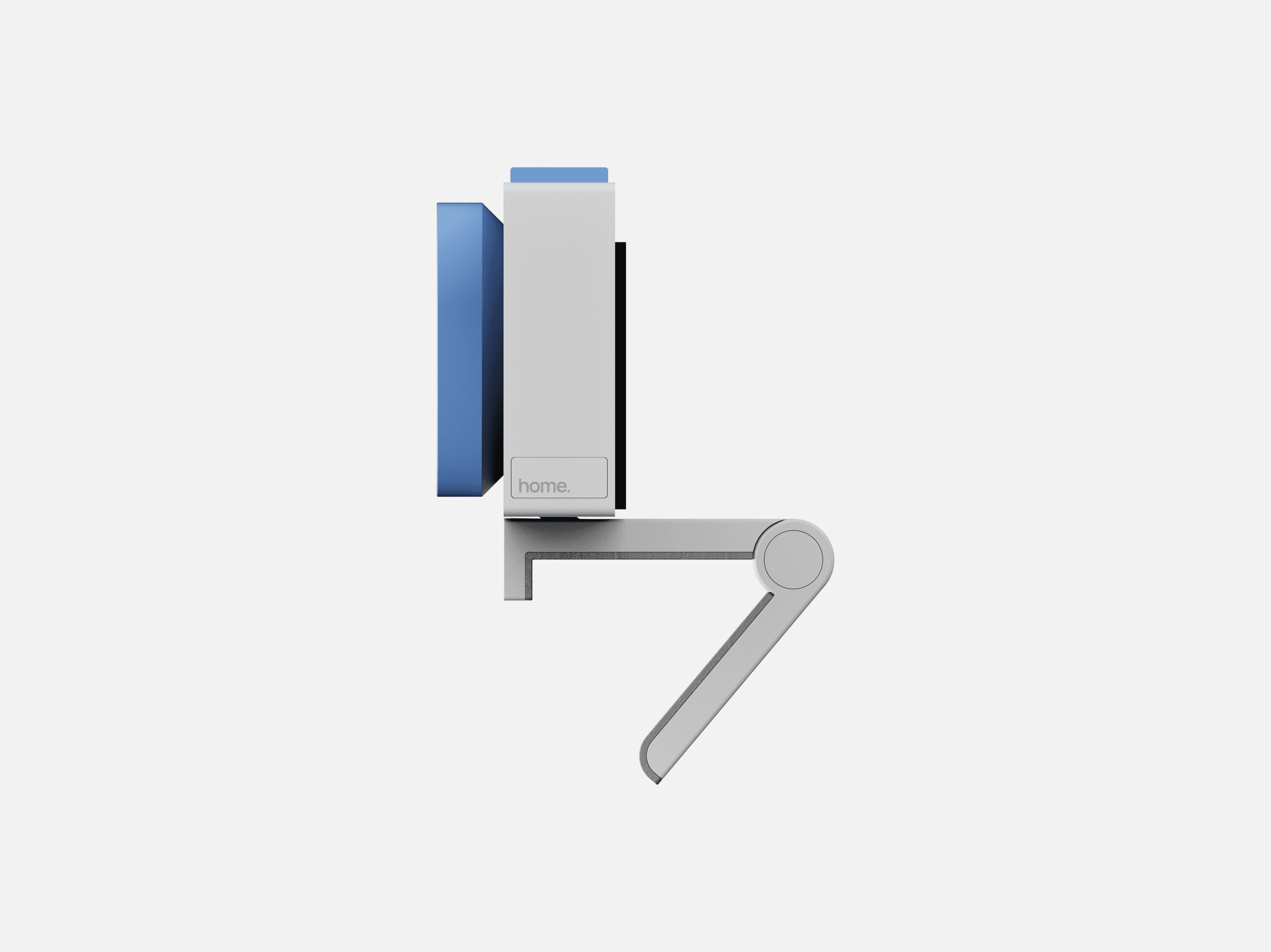
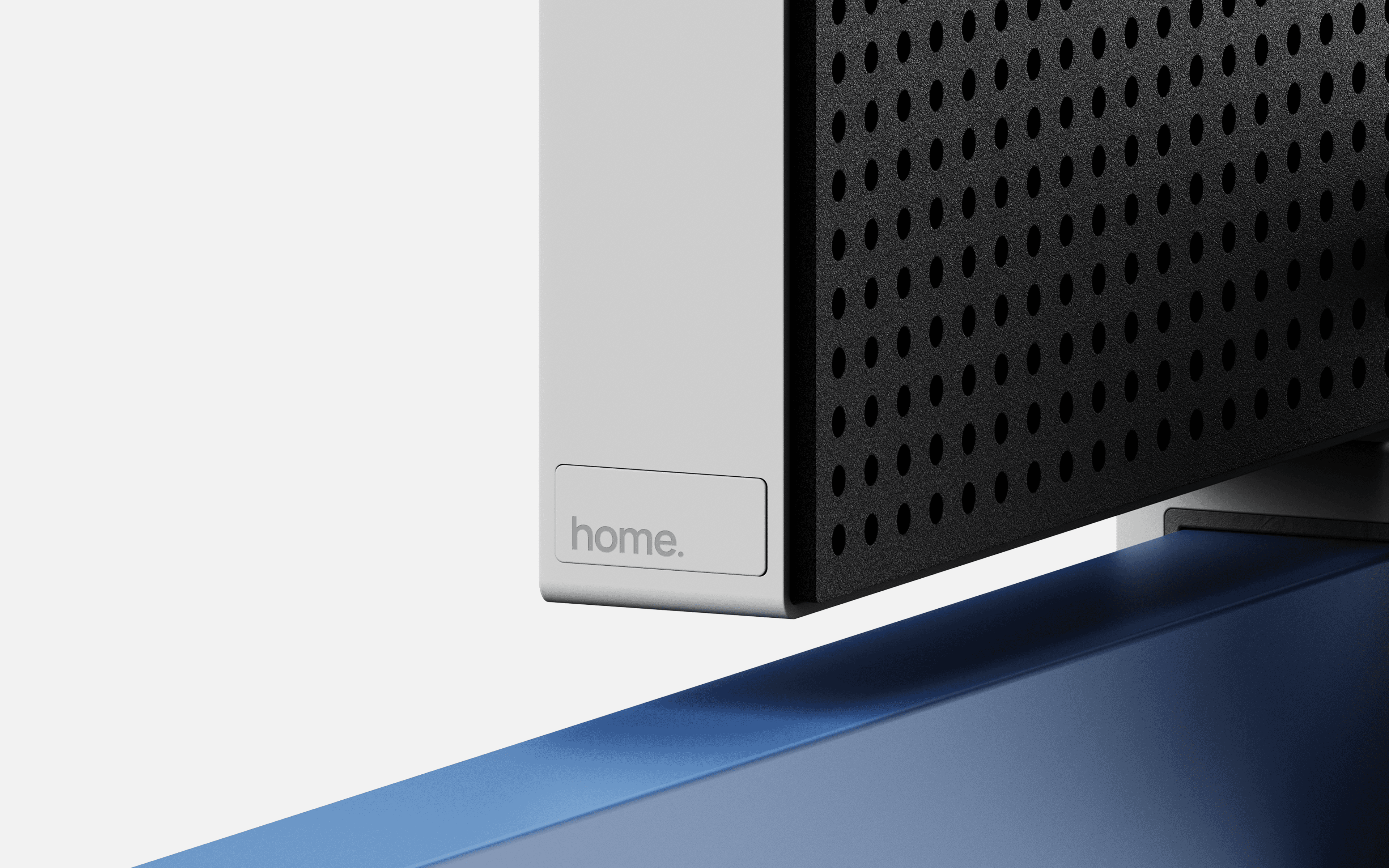
Aside from the touch display, there’s just one button on the side, labeled 'home.', and it does everything you need. A single press lets you switch between tools, hold to jump back to the main screen, or double-tap for quick shortcuts. Simple and effortless.
home. Button
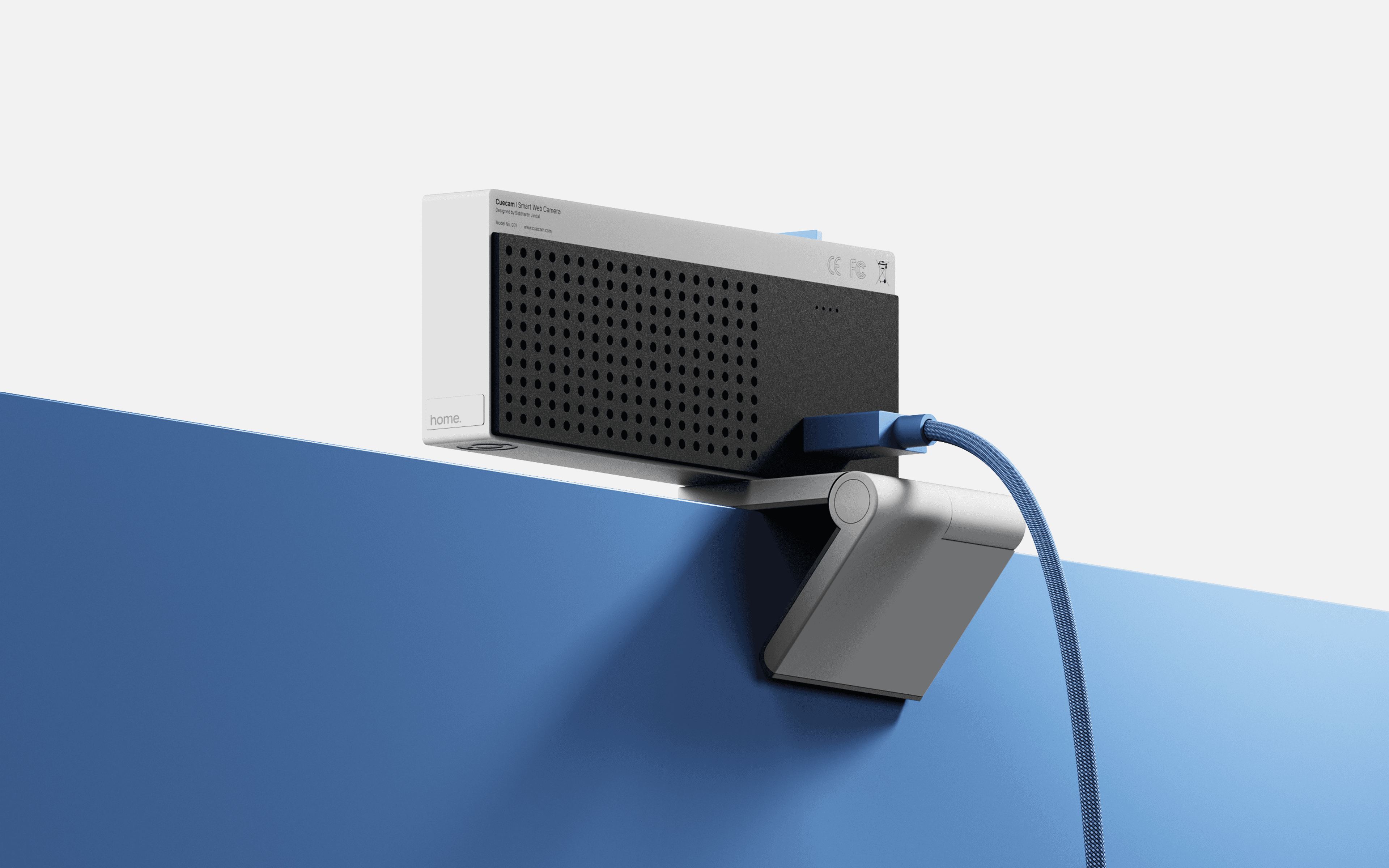
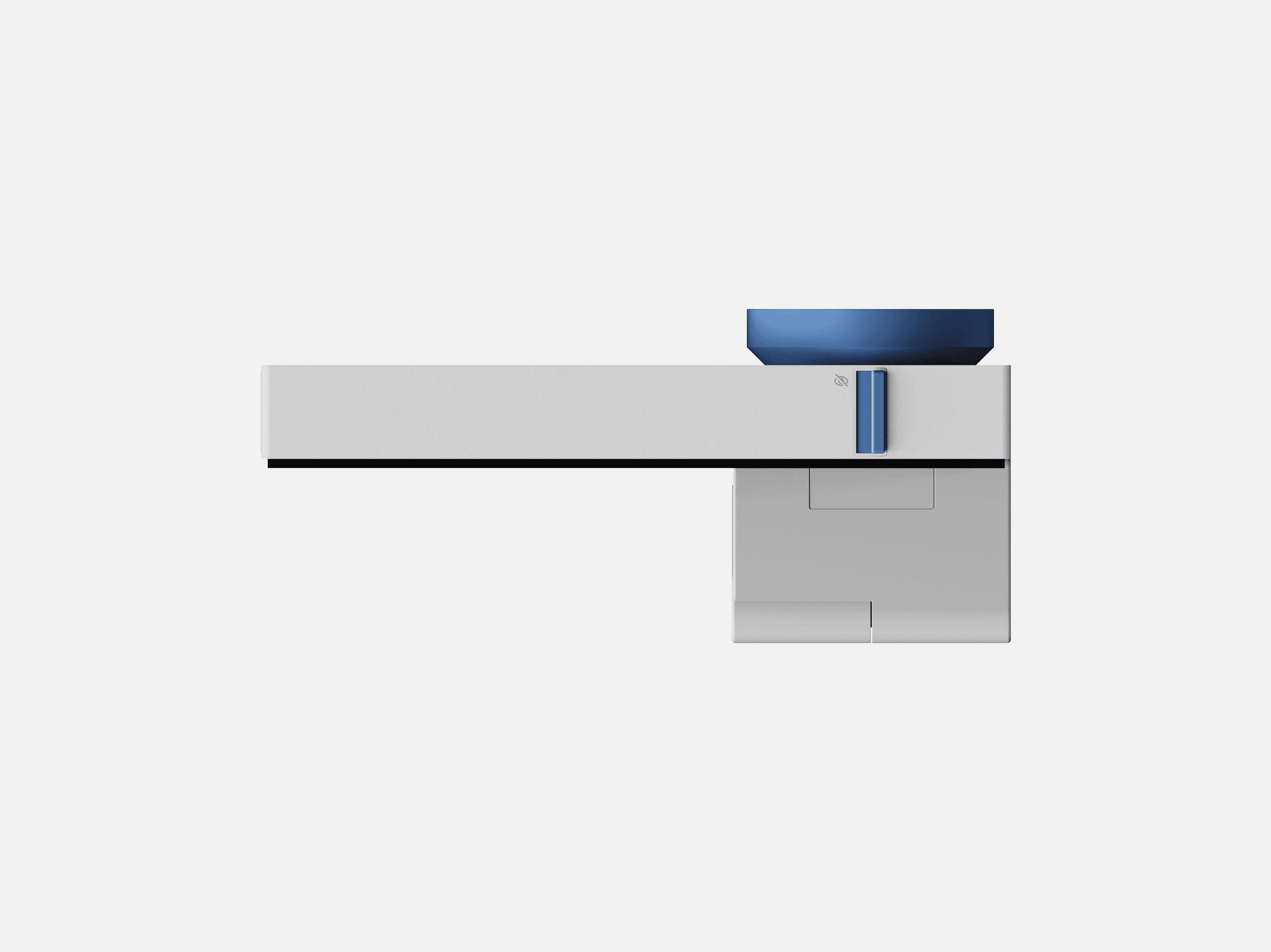
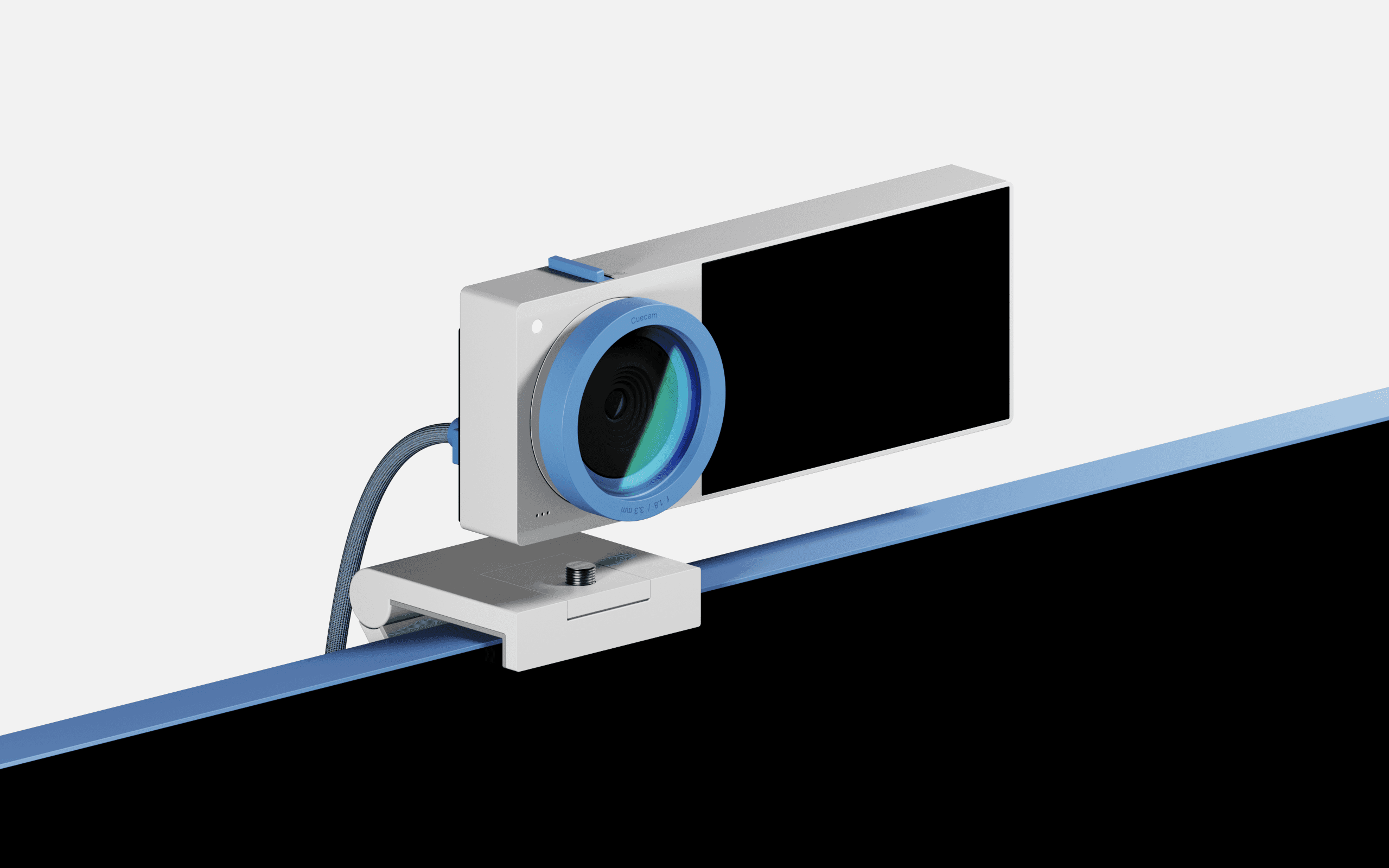
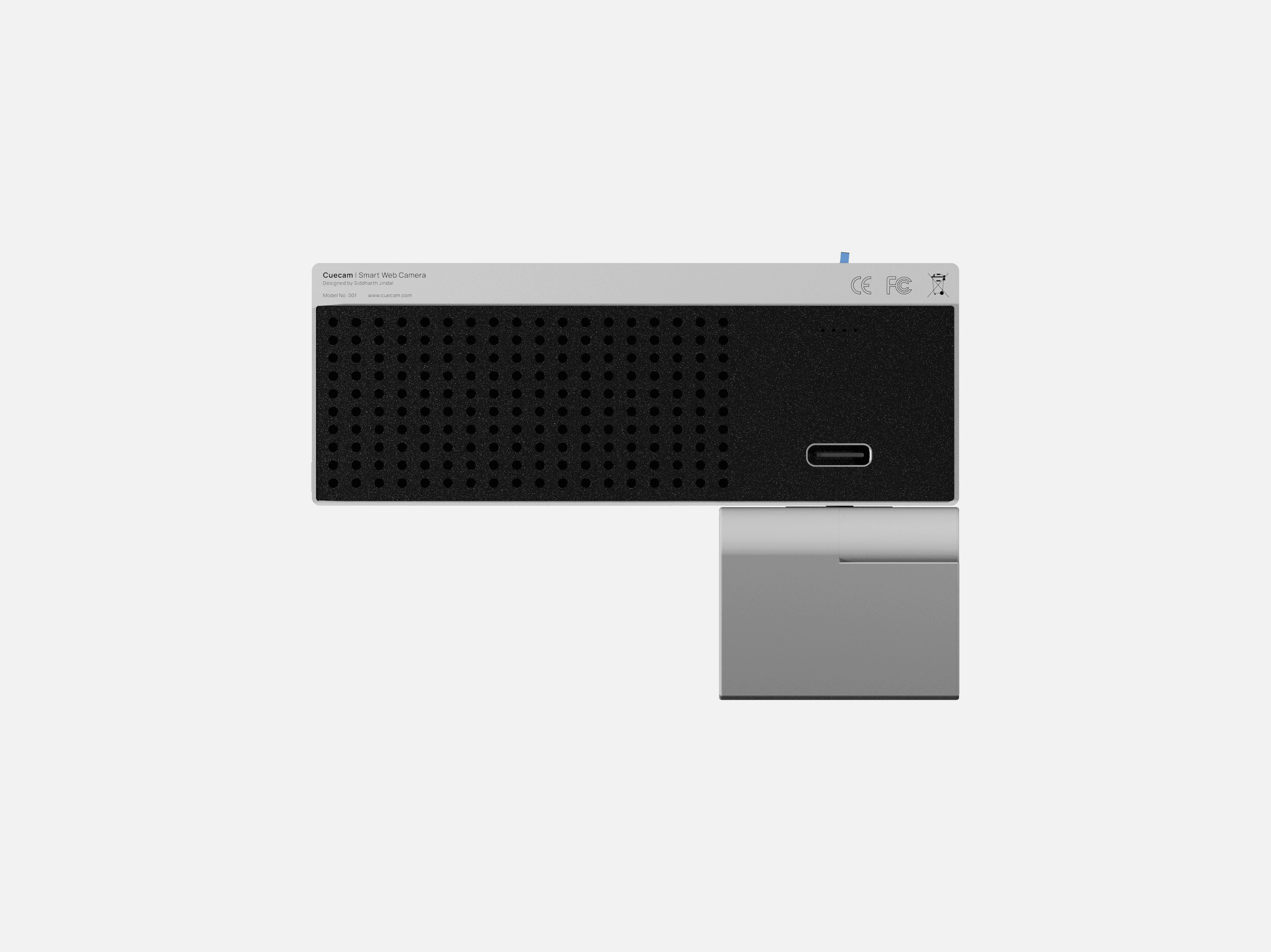
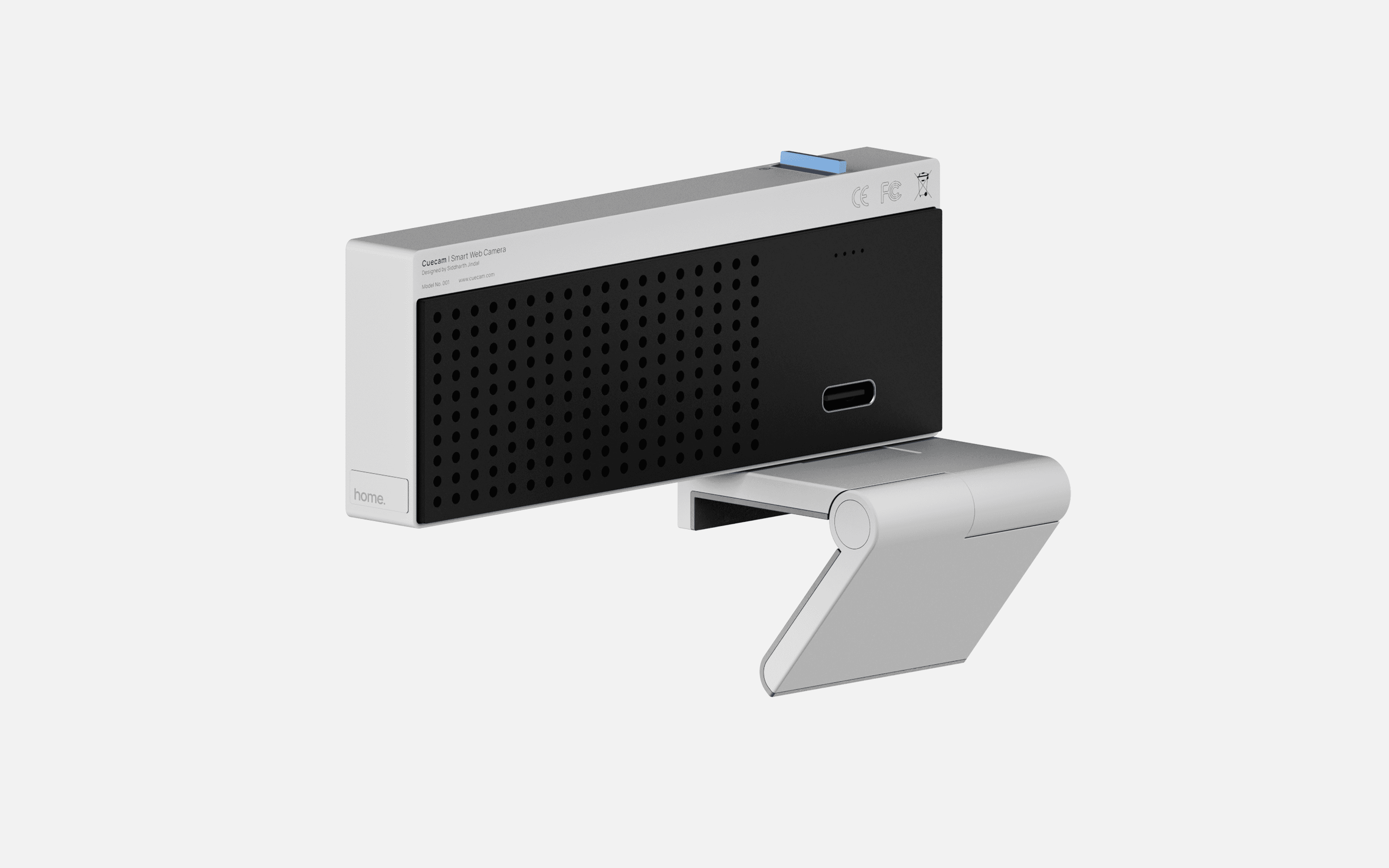
The base for the camera-screen unit lets you adjust it at your desired angle.