2025 • made for Furlink
Built for Tails and Trails | Designing a reliable way to track & monitor your pet.
To help pet owners track, manage, and care for their pets effortlessly through a smart, intuitive mobile app built around real-time needs and routines.

Background
In early 2025, I was approached by an Indian startup that was developing a GPS-enabled smart collar for pets, a device that would allow pet owners to track their dogs in real time, monitor their walks, set safety zones, and manage pet-related routines, all through a companion mobile app.
At the time, the company had no existing app or visual direction. My responsibility was to design the entire mobile application from scratch, creating a seamless and user-friendly interface that would bridge the gap between the smart device and its user. The goal was to build a reliable, intuitive experience that could help pet owners feel more connected and in control of their pet's safety and daily routines.
Synopsis
Pet owners in India currently lack access to a well-designed solution tailored to tracking and managing their pets. Existing alternatives like AirTags or microchips offer limited interaction and poor usability, failing to meet the diverse, emotional, and functional needs of users, highlighting a gap for a dedicated, human-centered pet tracking app.
The Application
A mobile first platform that simplifies how pet owners track, monitor, and care for their pets. Implemented features like live GPS tracking, virtual fences and intelligent reminders to help monitor the animal, and features like activity logs and health metrics so that the user is aware of any abnormal behavior shown by the pet, supporting both cats and dogs.

Home Screen: The Home Screen was designed with a clear usage hierarchy in mind, placing the most critical and frequently used features like Live Location, Walk Button, and Reminders front and center, followed by pet analytics.
Location and Tracking: Live Tracking highlights the pet’s real-time location with quick access to actions like walks or switching pets. Lost Dog Mode shifts to a high-alert layout, giving you live GPS data and an alert radius, keeping distractions minimal for fast decision-making.
Dog Walks: The Walk Function screen captures the route, distance, and time in real-time, with a clear visual path on the map. Core controls like start, pause, and end are placed for quick access, while live stats update as the walk progresses.
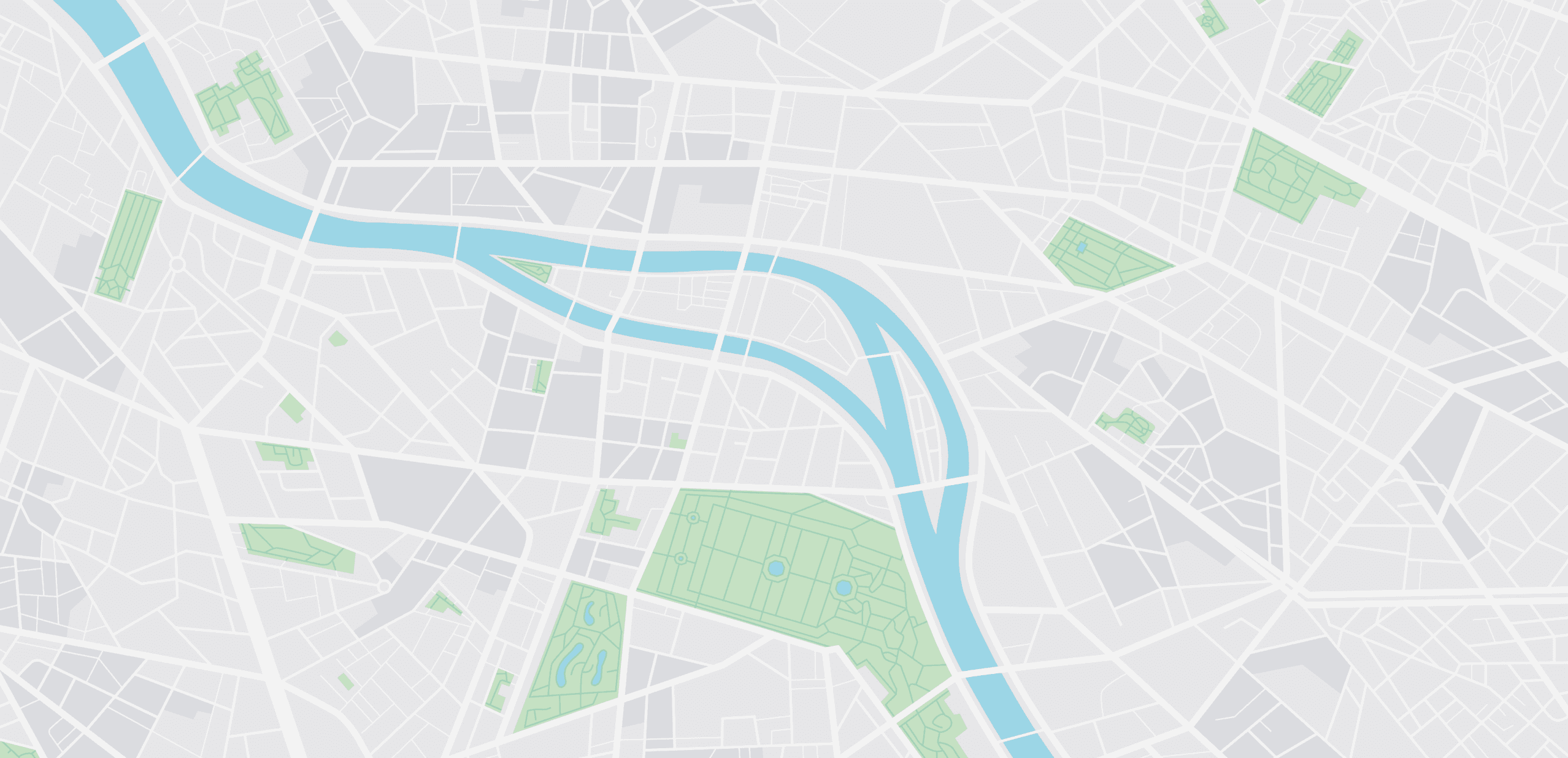
Location and movement history: The history section is structured to display chronological data across three key categories: Location History, Walk Sessions, and Path Traces. Each log entry includes metadata like time, duration, and distance, along with an embedded map preview for spatial context. Users can filter by date and pet to check information to the related selection.
Health analytics: The Health Analytics presents insights on your pet’s sleep patterns, walk durations, and activity trends through clean, digestible visuals. Key metrics are highlighted up front, while comparative graphs allow users to monitor changes over time, enabling proactive care based on real behavioral data.
Building the application
Foundational Design System
As the startup had no existing design language, I took the initiative to establish a foundational design system from scratch. The goal was to ensure visual consistency, scalability, and efficient collaboration between design and development teams.

COMPONENTS (Click to interact)
DESIGN
High-Fidelity Design
The high-fidelity designs bring together the core ideas shaped by our research and early concepts. At this stage, the focus was on refining the interface to be clear, approachable, and practical for everyday use, while staying true to the needs we uncovered during the process.
I used the design system we had established and constructed the final flows on Figma, then I prototyped all the flows together so we could hand it off to the Dev Team.


Design Iterations made to smooth out the experience
Before arriving to the final flow you saw above, we had done rounds of testing with our initial ideas and prototypes to smoothen out the user flow. Some changes that were made are:

The redesigned screen focuses on task completion and clarity
The addition of a clear call-to-action ("Start up a walk") at the top improves task discoverability.
Reminders are now grouped and color-coded by urgency, enhancing standability and reducing cognitive load. Metrics like activity and sleep are still available but moved to the bottom to avoid distracting from primary actions.
Overall, the redesign improves information hierarchy, task prioritization, and overall usability by making key actions more accessible and relevant.

Addition for the betterment of performance and user clarity
A location widget replaces the full-screen map, reducing Google Maps API calls and saving data and CPU resources. Current pet location and status are now shown instantly, improving app speed and providing essential info at a glance. Avoids reloading heavy map assets on each app open, improving performance on low-end devices.
Overall, the redesign optimizes app loading time, minimizes unnecessary resource consumption, and improves the user experience without compromising on core functionality.

From Path Tracking to Complete Activity History
Initially we had only added a page that would let the user see the path history of their pet, this was a function that all major competitors had and we implemented it in the same manner. Upgrading upon that, we implemented a Walk History section and a Timeline Section.
RESEARCH & INSIGHTS
Competitive Analysis
To inform our UX strategy, we conducted a focused competitive analysis of global pet tracking apps, examining interaction models, navigation patterns, visual hierarchies, and feature discoverability.
This helped us identify common usability pitfalls and uncover key opportunities to design a more intuitive, localized experience for Indian users.


Ideation
Our ideation focused on designing a single, emotionally intelligent system that combines real-time location tracking, habit analytics, and accessible emergency tools - all structured around clear information hierarchy and minimal friction.
To guide this process, we anchored our brainstorming around questions that emerged organically from real user experiences and their pain points:


SIGNING OFF!

Personal Learnings!
Balance user needs with technical constraints: I learned how to negotiate features that were ideal from a UX perspective but needed to be adapted for development feasibility.
Drive a design system from scratch: Creating a visual and functional language for a startup with no prior design foundation challenged me to think systematically and ensure consistency across the product.
Design with empathy under limited access: Without direct user research, I leaned heavily on competitive analysis and interviews, learning how to extract meaningful insights with limited data.
Collaborate across disciplines: Including developers early on helped me design more realistically and anticipate edge cases in functionality and flow.
STATUS
After completing the design phase, the app was handed over to the development team. It is currently under active development, with a beta version already live on the Google Play Store for early users to explore and test.